Soft 404: What It Means, Why Google Reports It and How to Fix It
A soft 404 is a page that says "not found" to people but "200 OK" to search engines. The two messages disagree, so Google decides for itself, usually treats the page as missing and lists it under Soft 404 in Search Console. Sometimes it is right. Sometimes a real page looked empty enough to be mistaken for an error.
What Is a Soft 404?
A soft 404 is a URL that answers with a success code, usually 200, while the page itself looks like an error: a "page not found" message, an empty template or almost no content. Google's page on HTTP status codes says that when a 2xx page suggests an error, such as an empty page or an error message, Search Console shows a soft 404.
In the Page indexing report it is one reason among many: Soft 404, "the page request returns what we think is a soft 404 response." Those URLs are not indexed.
Soft 404 vs 404 vs 410
| Response | Status code | Page shows | Indexed | Search Console |
|---|---|---|---|---|
| Real 404 | 404 | Not found | – | Not found (404) |
| Gone | 410 | Gone | – | Treated like 404 |
| Soft 404 | 200 | Error or empty | – | Soft 404 |
| Redirect to home page | 301 | Unrelated page | ◐ | May be Soft 404 |
| Real page | 200 | Real content | ✓ | Indexed |
A soft 404 ends where a real 404 does, out of the index, but slower and less cleanly. Google has to fetch the page, read it and guess, and it keeps coming back to check. A real 404 says the same thing in three digits.
The fourth row is the one people do not expect. Google's site move guide says not to redirect many old URLs to one irrelevant page such as the home page, since such redirects might be treated as soft 404s.
Common Causes of Soft 404s
| Cause | Example | Fix |
|---|---|---|
| Error page answers 200 | CMS not found template | Return 404 |
| Empty search or filter page | "No results found" | noindex or 404 |
| Empty category | 0 products listed | Add items or noindex |
| Thin placeholder page | "Coming soon" | Add content or 404 |
| Deleted pages sent home | 301 to / | 404 or close match |
| Expired listing kept live | Sold out, no details | Keep details or redirect |
| Client-side routing | App shows not found | JS redirect or noindex |
| Content fails to render | Blank body for Googlebot | Fix blocked resources |
The last two rows are false alarms of a kind: the page is real, but Google saw an empty one. Check those with URL Inspection, which shows the rendered HTML Google received. SEO ProCheck walks through more cases in soft 404 errors: causes and fixes.
Why Soft 404s Matter
- Pages you want indexed are not. When a real page is mistaken for an error, it drops out of search. That is the costly kind.
- Crawling is wasted. Google keeps fetching URLs that answer 200, and on a big site thousands of empty filter or search pages use requests a real page could have had. The crawl budget guide explains when that starts to matter.
- Visitors land on dead ends. A soft 404 that slipped into results sends people to an error message.
- Reports lie. A crawler that only counts status codes reports every soft 404 as a healthy 200.
How to Find Soft 404s
1. Test an address that does not exist. Every site should answer 404 to a URL it has never had:
curl -s -o /dev/null -w '%{http_code}\n' https://example.com/no-such-page-8213
# want: 404
We ran this test on our own site. In our SEO pass on November 20, 2026, unknown addresses on neova.app answered 503 from a coming soon page instead of 404. Not a soft 404 strictly, but the same lesson: what the page says and what the code says must match. A real 404 page fixed it.
2. Read Search Console. The Page indexing report lists every URL Google put under Soft 404. Open a few in URL Inspection to see why.
3. Crawl and look for error pages that answer 200. Signs in a crawl:
| Sign | Threshold to review |
|---|---|
| Title or H1 says not found | Any 200 page |
| Same title on many URLs | 2 or more pages |
| Very short main text | Under 200 words |
| Empty body after rendering | 0 words |
| Redirect target | Home page, many sources |
No word count makes a page thin on its own; Google has no preferred length. Under 200 words is a prompt to look, not a verdict.
How to Fix a Soft 404
| The page is | Fix | Then |
|---|---|---|
| Gone, no replacement | Return 404 or 410 | Remove from sitemap |
| Moved or merged | 301 to the closest page | Update internal links |
| Real but thin | Add real content | Validate Fix in Search Console |
| Empty listing for now | noindex until filled | Remove noindex later |
| Real, failed to render | Unblock scripts and styles | Inspect URL again |
Keep a helpful custom 404 page: a search box, links to main sections, your navigation. It just has to answer with the 404 status code. SEO ProCheck has 404 page best practices for what to put on it.
Soft 404s in Single-Page Apps
A JavaScript app that routes in the browser answers 200 for every path, because the server sends the same shell each time. When the app then shows "not found", Google sees a soft 404. Google's JavaScript SEO basics give two ways out:
// 1. send the visitor to a URL the server answers with 404
window.location.href = '/not-found';

// 2. or mark the error view noindex
const m = document.createElement('meta');
m.name = 'robots'; m.content = 'noindex';
document.head.appendChild(m);
Better still, when the server can tell that a route does not exist, have it answer 404 directly. The JavaScript SEO crawler guide covers rendering in more depth.
Find Soft 404s With Neova
Neova's Soft 404 Phrases checks flag HTML pages that answer 200 with a phrase such as not found or no results found in their title or H1. Status codes are colored everywhere, and with JavaScript rendering on, the body is read after rendering, so a page that only empties out in the browser is caught too.
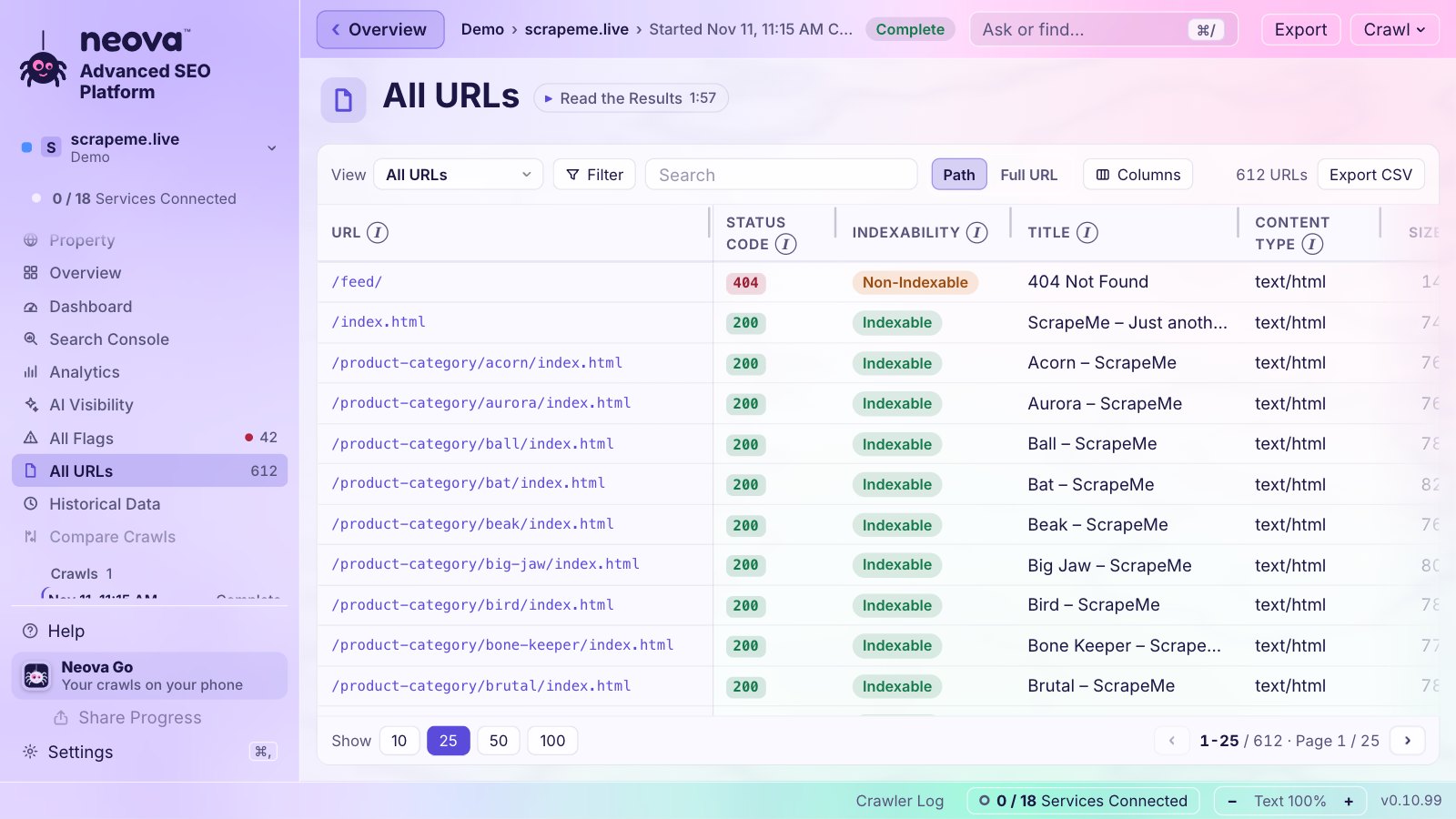
The checks behind it include:
- Title or H1 Carries a Soft 404 Phrase
- HTML Page Body Is Empty and Main Text Under 200 Words
- Duplicate Title Across HTML Pages, where error templates often show up
- GET Form Creates Crawlable Result URLs, for search pages that may come back empty
- Internal URL Returns 4xx, 5xx or No Response
- 4xx URL Is Listed in an XML Sitemap
- 4xx URL Received Clicks in Search Console
- AI Assistants Cite a URL That Returns 404 or 410
The Free plan crawls 1,000 URLs a crawl with every check. Download Neova or see Features.
Questions
What is a soft 404 error?
A URL that answers with a success code, usually 200, while the page looks like an error or is nearly empty. Google treats it as missing, does not index it and lists it under Soft 404 in the Page indexing report.
Are soft 404s bad for SEO?
They waste crawling and can hide real pages that Google mistook for errors. A real 404 or 410 for missing pages, and real content on the pages you want indexed, removes the doubt.
How do I fix a soft 404 in Search Console?
Open the URL in URL Inspection to see what Google received. If the page is gone, return 404 or 410. If it moved, 301 it to the closest page. If it is real, add content or fix rendering, then select Validate Fix in the report.
Is redirecting a deleted page to the home page a soft 404?
It can be. Google's site move guide says redirects of many old URLs to one irrelevant page such as the home page might be treated as soft 404s. Redirect to a close match or return 404.
Can an out of stock product page be a soft 404?
Yes, if the page is left with little more than a sold out message. Keep the product details and alternatives on it if it will return, or redirect it to the closest product or category if it will not.