HTTP Status Code Checker: What Each Code Means for SEO and How to Check Them All
Every URL answers with a three digit number before it sends a single word of content. That number decides whether Google indexes the page, follows it somewhere else, drops it or slows down crawling the whole site. An HTTP status code checker reads that number for you, and the table below says what Google does with each one.
What an HTTP Status Code Checker Does
An HTTP status code checker requests a URL and reports the status line the server sends back, such as 200 OK or 301 Moved Permanently. A good one also follows redirects hop by hop and shows where each one ends, and it sends the request the way a search engine would, since some servers answer bots differently from browsers.
Checking a single URL settles a quick question. Checking every URL of a site is where status codes pay off: broken internal links, redirects nobody updated, error pages that answer 200, and server errors that only show up under load.
The Five Classes at a Glance
Status codes are defined in RFC 9110, section 15. The first digit is the class:
| Class | Meaning | What Google does | Color in Neova |
|---|---|---|---|
| 1xx | Informational | Never a final answer | None |
| 2xx | Success | Content may be indexed | Green |
| 3xx | Redirection | Follows up to 10 hops | Orange |
| 4xx | Client error | Not indexed, dropped over time | Red |
| 5xx | Server error | Slows crawling, drops if persistent | Red |
The HTTP Status Codes That Matter for SEO
What Google says it does with each code, from its page on how HTTP status codes affect Google Search and its redirects guide:
| Code | Name | What Google does | Use it for |
|---|---|---|---|
| 200 | OK | Passes content to indexing | Every live page |
| 202 | Accepted | Waits briefly, uses what arrived | Not for pages |
| 204 | No Content | Nothing to index | Not for pages |
| 301 | Moved Permanently | Strong signal, target shown | Permanent moves |
| 302 | Found | Weak signal, source shown | Short changes |
| 304 | Not Modified | Keeps its last copy | Conditional requests |
| 307 | Temporary Redirect | Same as 302 | Short changes, APIs |
| 308 | Permanent Redirect | Same as 301 | Permanent moves, forms |
| 401 | Unauthorized | Not indexed | Login areas |
| 403 | Forbidden | Not indexed | Blocked content |
| 404 | Not Found | Not indexed, dropped | Removed pages |
| 410 | Gone | Same as 404 | Removed for good |
| 429 | Too Many Requests | Treated as server error | Brief rate limiting |
| 500 | Internal Server Error | Slows crawl, kept a while | Fix fast |
| 503 | Service Unavailable | Slows crawl, kept a while | 1 to 2 days of downtime |
Three points from Google's page worth reading twice. All 4xx codes except 429 are treated the same, so 404 and 410 end the same way. Google warns not to use 401 or 403 to slow its crawling down. And URLs that keep answering 5xx are eventually dropped from the index. SEO ProCheck's HTTP status codes reference for SEO covers the rarer codes too.
A 200 Is Not Always Good News
A checker that only counts 200s misses the worst cases: pages that answer 200 when they should not. An error page that answers 200 becomes a soft 404, and an http page that answers 200 is a second copy of your https page. We found both kinds of wrong answer on our own site.
| Request on neova.app | Answered | Should answer | Fixed |
|---|---|---|---|
| http:// pages | 200 | 301 to https | ✓ |
| Unknown addresses | 503 | 404 | ✓ |
That was our own SEO pass on November 20, 2026. The http pages answered 200, so every page existed twice. Unknown addresses answered 503 from a coming soon page, which tells Google the server is failing rather than that the page does not exist; a real 404 page fixed it. Neither showed up in a browser, which follows redirects and shows the page whatever the code.
How to Check a Status Code by Hand
For one URL, curl is the fastest status code checker there is:
# status line and headers
curl -sI https://example.com/page

# just the number
curl -s -o /dev/null -w '%{http_code}\n' https://example.com/page

# every hop of a redirect
curl -sIL https://example.com/old | grep -iE '^(HTTP|location)'

# a URL that should not exist: want 404
curl -s -o /dev/null -w '%{http_code}\n' https://example.com/no-such-page-8213
In a browser, open the developer tools, select the Network tab, turn on Preserve log and reload. The first document request shows the status. Some servers answer a HEAD request (-I) differently from a GET; if the result looks odd, drop -I and use -D - to print the headers of a real GET.
Check Status Codes for a Whole Site
- Crawl from the home page to get the status of every linked URL, with the pages that link to each one.
- Crawl a list of URLs no link reaches: old sitemaps, top backlinked pages, URLs from a previous site.
- Read Search Console. The Page indexing report sorts URLs by reason: Not found (404), Server error (5xx), Soft 404, Page with redirect, Blocked due to access forbidden (403).
- Read your server logs. They show the codes Googlebot actually got, including 5xx bursts a crawl at another hour never sees. The log file analysis guide explains how.
- Crawl again and compare the counts per class.
Scale matters here. Our own crawl of seoprocheck.com on October 17, 2026 fetched 10,222 URLs in 61 minutes, of which 4,561 were HTML pages that answered 200. Checking codes one URL at a time does not reach that far. For 5xx errors in depth, see SEO ProCheck on diagnosing and preventing 5xx server errors.
Which Status Code to Send, Case by Case
| Situation | Send | Not |
|---|---|---|
| Page moved for good | 301 or 308 | 302 |
| Short promotion swap | 302 or 307 | 301 |
| Deleted, no replacement | 404 or 410 | 301 to home |
| Deleted, close replacement | 301 to it | 200 error page |
| Planned maintenance | 503 with Retry-After | 200 notice |
| Bots overloading the server | 429 or 503 | 401 or 403 |
| Members only | 401 or login redirect | 200 login page |
| Old http address | 301 to https | 200 |
Google's advice on pausing a site is to use 503 for 1 to 2 days at most, and never for robots.txt, since a 503 there blocks all crawling. For redirects in more depth, read 301 vs 302 redirect and redirect chains.
Check Status Codes With Neova
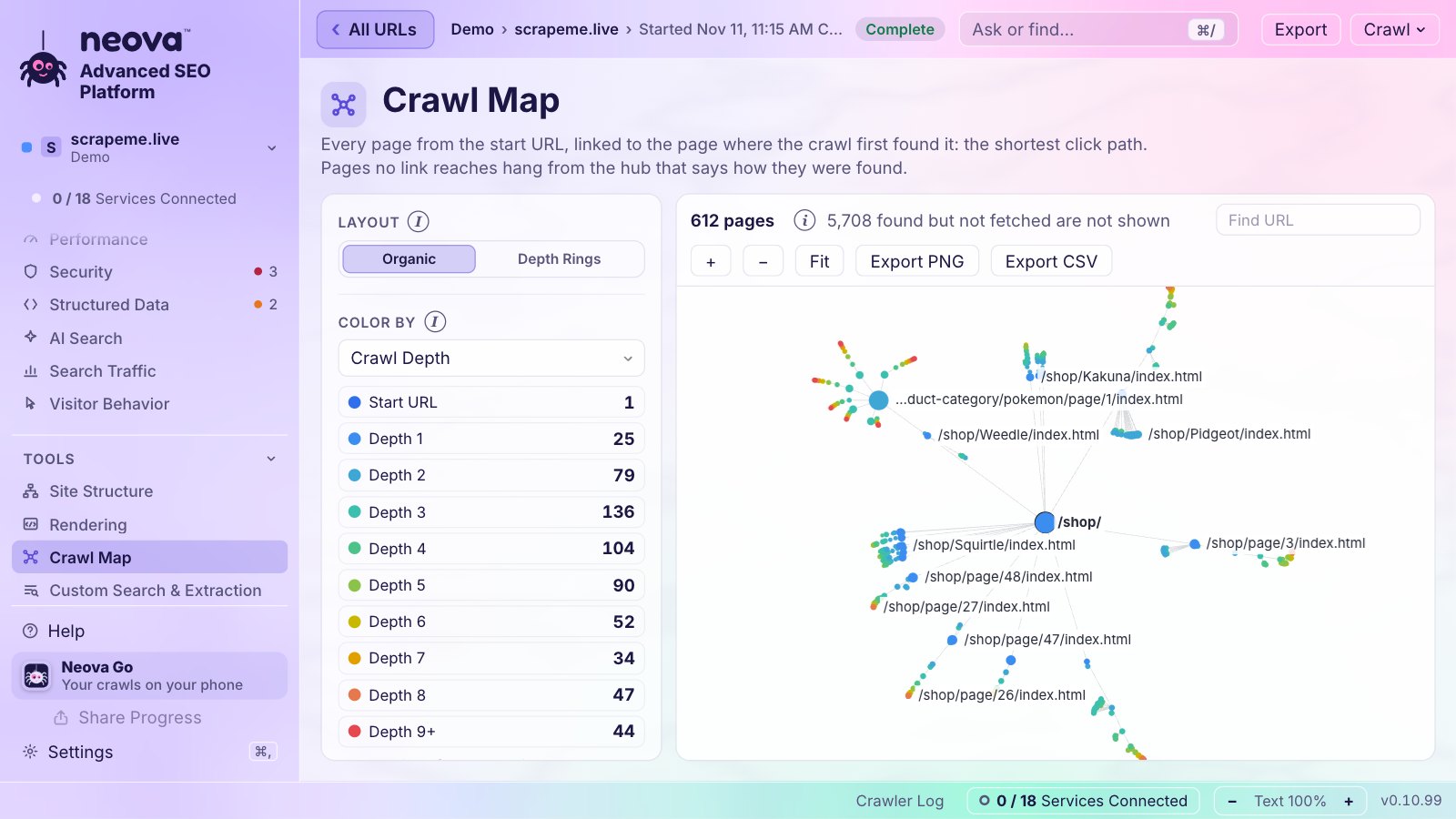
Neova records every URL's status code and colors it the same everywhere: 2xx green, 3xx orange, 4xx and 5xx red, with No Response named apart. Status Codes sits in All URLs and on the Overview, the Crawler Log shows each code live as the crawl runs, and List Crawl fetches only the URLs you paste or upload. A URL with no response gets 3 attempts before it counts as No Response.
The checks behind it include:
- Internal URL Returns 4xx, 5xx or No Response and Internal URL Returns a 5xx Status Code
- Internally Linked URL Requires HTTP Authentication, for 401
- Internally Linked URL Redirects and Internal URL Uses a Temporary Redirect
- HTTP URL Lacks a 301 to HTTPS or Receives Internal Links
- Resource URL Returns 4xx or 5xx, for images, scripts and style sheets
- 4xx URL Is Listed in an XML Sitemap, 403 URL Is Listed in an XML Sitemap and 5xx URL Is Listed in an XML Sitemap
- Title or H1 Carries a Soft 404 Phrase, for 200s that look like errors
- 4xx URL Received Clicks in Search Console
- Search Bot Share of 3xx, 4xx or 5xx Responses Is Rising, from server logs
The Free plan crawls 1,000 URLs a crawl with every check. Download Neova for Mac, Windows or Linux.
Questions
How do I check the HTTP status code of a URL?
Run curl -sI with the URL to see the status line, or open your browser's developer tools, select Network and reload. For every URL of a site, use a crawler, which also shows the pages that link to each error.
What is the difference between 404 and 410?
404 means not found and 410 means gone for good. Google says it treats all 4xx codes except 429 the same, so both lead to the URL being dropped. Use 410 when you want to be explicit that a page will not return.
Do 5xx errors hurt SEO?
Briefly, they slow Google's crawling of the site. If a URL keeps answering 5xx, Google keeps it in the index for a while and eventually drops it. Fix server errors quickly and use 503 with Retry-After for planned downtime.
Is a 304 Not Modified response bad for SEO?
No. It tells Googlebot the page has not changed since its last visit, so Google keeps its copy and saves a full download. It only appears when the crawler sends a conditional request.
Which status code should a deleted page return?
404 or 410 if nothing replaces it. If a close replacement exists, 301 to that page. Avoid redirecting every deleted page to the home page, which Google may treat as a soft 404.