SEO Audit Report: What a Good One Holds
An SEO audit report is read by people who will never open the crawler. A manager wants to know how bad it is and what it costs to fix. A developer wants to know exactly what to change. A good report serves both in a few pages, with numbers instead of adjectives and a fix order instead of a dump of every flag.
What an SEO Audit Report Is For
The report is the part of the audit that leaves the room. Its job is to get the right fixes made in the right order, and to make the next audit comparable with this one. Everything in it should serve one of three readers:
| Reader | Wants | Reads |
|---|---|---|
| Owner or manager | How bad, what it costs | First 2 pages |
| SEO lead | What to fix first | Findings, evidence |
| Developer | What to change, where | Tickets, URL lists |
SEO ProCheck's SEO audit FAQ covers how the audit itself is run. This guide is about what you hand over at the end.
What a Good Report Holds
| Section | Answers | Length |
|---|---|---|
| Summary | How healthy is the site? | 1 page |
| The crawl in numbers | How big, how complete? | 1 table |
| Fix first | What to do this month? | 5 to 10 items |
| Findings by category | Where are the problems? | 1 table |
| Each finding | What, where, how, done when | Half a page |
| Rendering and AI access | Do bots see the content? | 1 table |
| Changes since last audit | Better or worse? | 1 table |
| How the crawl was made | Can we trust it? | Short list |
| Appendix | Every flagged URL | Workbook or CSV |
The order matters. The summary and the fix list go first because most readers stop there. The method goes last, but it must be there: a report that does not say whether the crawl was complete cannot be compared with the next one.
The Crawl in Numbers
Open with a small table of counts, each one checkable. Here is ours: the Neova crawl of seoprocheck.com on October 17, 2026, a full crawl.
| Number | Value |
|---|---|
| URLs fetched | 10,222 |
| Time | 61 minutes |
| HTML pages answering 200 | 4,561 |
| URLs in XML Sitemaps | 1,835 |
| Reached by links, not in a sitemap | 2,727 |
| In a sitemap, reached by no link | 1 |
| Completeness | 99.98% |
| Page bodies stored | 1.66 GB raw, 340 MB compressed |
Those eight lines already tell a reader a lot: the site is mostly crawlable, the sitemaps cover well under half of the pages the links reach, and one page is an orphan. The XML sitemap checker and orphan pages guides cover those two findings.
Put the Findings in Fix Order
A report that lists 1,202 flags in the order the crawler found them gets read once and filed. The same crawl, sorted by what to do:
| Finding | URLs | Priority | Effort |
|---|---|---|---|
| Duplicate titles | 56 | High | Content pass |
| Canonical to another internal URL | 5 | Review | 5 pages |
| Titles over 60 characters | 557 | Medium | 1 template |
| Meta descriptions over 155 characters | 582 | Low | 1 template |
| Images without alt text | 2 | Low | 2 pages |
The rule behind the order is the same in every report:
| Tier | Includes | Fix |
|---|---|---|
| Must Fix | Errors, noindex, blocked pages | This sprint |
| High | Duplicates, broken links, chains | This month |
| Medium | Snippets, headings, speed | This quarter |
| Review | Often deliberate, confirm first | Check each |
Within a tier, put flags on URLs with Search Console clicks first, then fixes in one template that clear many URLs at once.
How to Write Each Finding
Every finding needs the same fields, so a developer can act on it without a meeting:
| Field | Example |
|---|---|
| Issue | Duplicate title across pages |
| Rule | Same title on 2+ indexable pages |
| Why it matters | Pages hard to tell apart |
| Evidence | Title text, 3 example URLs |
| Affected | 56 URLs, list attached |
| Where to fix | Blog post template |
| Done when | 0 flags on next crawl |
| Owner | Named person |
Cite the source when a number comes from Google or a standard, such as the 2.5 second LCP line on web.dev or Google's guidance on title links. Say plainly when a limit is a convention and not a rule: no search engine sets a 60 character title limit, it is a prompt to look.
Formats: PDF, Workbook, Tickets
| Format | Good for | Not for |
|---|---|---|
| Summary, sign off | URL lists | |
| Excel workbook | Filtering, sorting | Managers |
| Google Sheet | Owners, status, due dates | Archiving |
| CSV per check | Developers, scripts | Reading |
| Tickets | Getting fixes shipped | Overview |
| Looker Studio | Monthly trend | One off audits |
Most audits need two: a PDF of a few pages for the people who decide, and a workbook or tickets for the people who fix. SEO ProCheck's glossary entry on SEO reporting covers the monthly side, after the audit.
Common Report Mistakes
| Mistake | Better |
|---|---|
| Every flag, no order | Top 10 first |
| Adjectives: "many", "poor" | Counts and thresholds |
| No example URLs | 3 examples per finding |
| A score with no basis | Counts you can check |
| Partial crawl, unmarked | Say what was covered |
| No date | Crawl date on page 1 |
| Same issue listed twice | Count related checks once |
| No comparison | Changes since last audit |
The last row is what makes the second report worth more than the first. Keep the crawl the report came from, so next month's report can show what was fixed and what came back. The SEO monitoring guide covers that repeat.
SEO Audit Reports With Neova
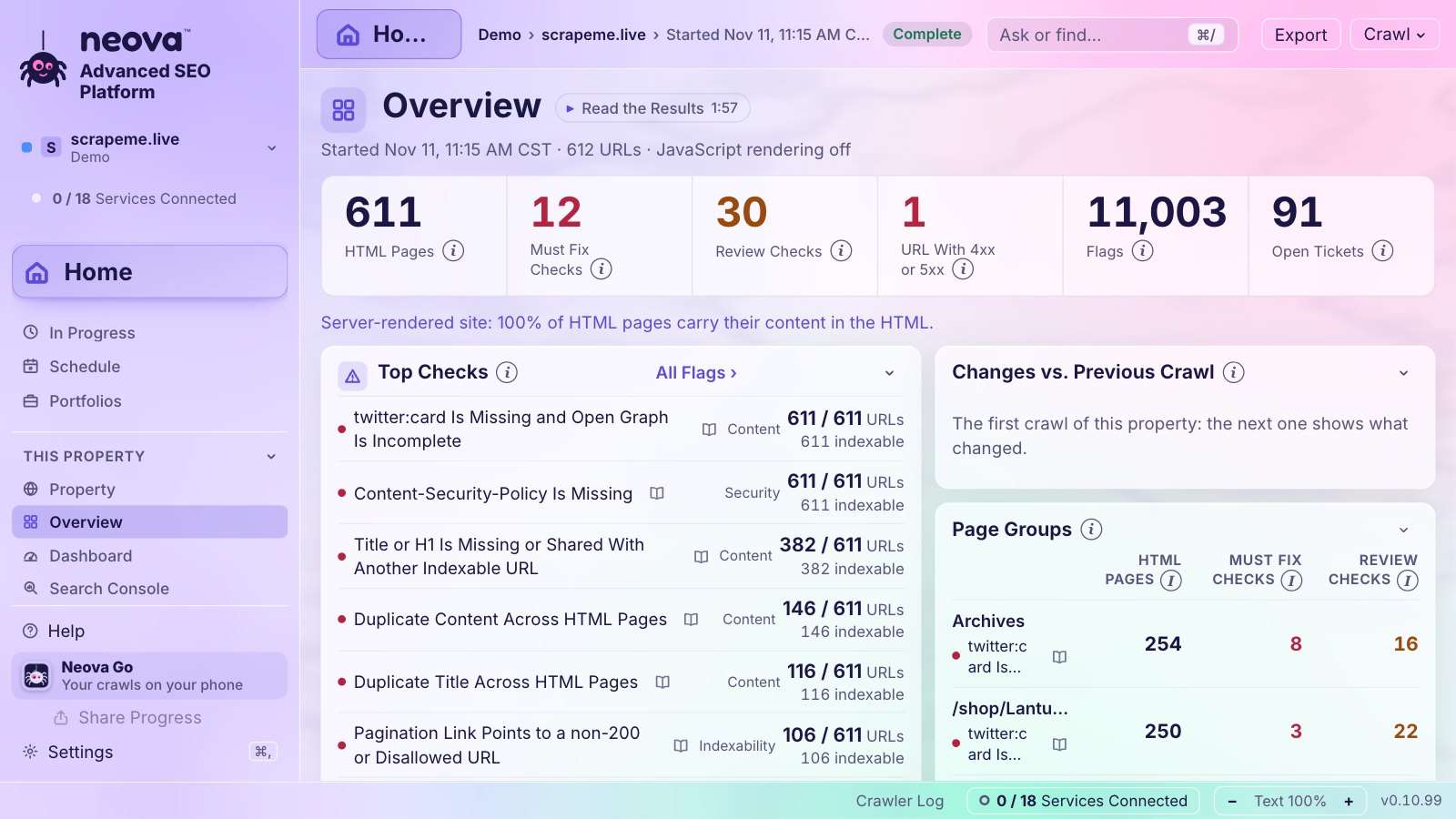
Neova's Branded Report (PDF) follows the outline above: your name, logo and color, the crawl in numbers, flags by category, what to fix first with example URLs, rendering and AI visibility, changes since the crawl before and how the crawl was made, in Letter or A4. Checks of one family count once, with the second listed as Also Flagged, so one problem is not reported twice. Each property can carry its own branding, with Prepared For, Prepared By and notes.
Alongside it, the All Flags Workbook (Excel) holds a Summary, Tickets in fix order, a sheet per check with its most clicked then most linked URLs, and All Flags. The Google Sheet adds an Action Plan with Owner, Status and Due drop-downs. Tickets come one per check and page group, Must Fix first, with the rule, evidence, affected URLs, done when, how to check and where to fix. The Client Pack puts them all in one ZIP. Every export carries a note when the crawl ran without rendering or covered part of the site.
Checks behind the example in this guide:
- Duplicate Title Across HTML Pages
- Title Over 60 Characters
- Meta Description Over 155 Characters
- Canonical Points to a Different Internal URL
- Indexable URL Is Not in Any XML Sitemap
- Orphan URL Is Listed in an XML Sitemap
- Title or H1 Is Missing or Shared With Another Indexable URL
The report, the workbook and the tickets are made on . The Free plan crawls up to 1,000 URLs with all 694 checks; see Features or download Neova.
Questions
What should an SEO audit report include?
A one page summary, the crawl in numbers, the top fixes in order, findings by category with example URLs, what changed since the last audit and how the crawl was made. Put every flagged URL in a workbook or CSV, not in the PDF.
How long should an SEO audit report be?
Short enough that the first two pages tell a manager what matters: often 8 to 15 pages for the PDF. The detail belongs in a workbook, tickets or CSV files that developers filter.
How do I prioritize issues in an SEO audit report?
By severity first (errors, noindex and blocked pages), then by clicks on the affected URLs, then by reach, since one template fix can clear hundreds of URLs.
Should an SEO audit report include a score?
Only if the reader can see what it is made of. Counts with a date, such as 56 duplicate titles out of 4,561 pages, are easier to check and to compare next month than a single score.
Can I white label an SEO audit report?
Yes. Neova's Branded Report carries your name, logo and color, and each property can have its own branding for a different client.