H1 Tag Checker: How to Find Missing, Empty and Duplicate H1 Headings
The H1 is the headline a visitor reads first and one of the places Google looks when it writes the title of your result. It is easy to get wrong without noticing: a theme that wraps the logo in an H1, a template that leaves it empty, a framework that writes it only after JavaScript runs. An H1 tag checker reads the headings of every page and shows which ones are missing, empty, repeated or out of place.
What an H1 Tag Checker Does
An H1 tag checker fetches each page, finds its <h1> elements and their text, and tests them against rules: is there one, does it have text, is it too long or too short, does another page use the same one, and does it match what the page is about. Most also look at the rest of the outline, H2 to H6, because the H1 only makes sense as the top of that outline.
<h1>Blue Running Shoes for Women</h1>
  <h2>Sizes and fit</h2>
  <h2>Materials</h2>
    <h3>Upper</h3>
    <h3>Sole</h3>
  <h2>Reviews</h2>
Checking one page is a matter of viewing the source. Checking a site needs a crawler, because H1 problems live in templates and repeat on every page built from them.
What Google and the W3C Say About H1s
A lot of H1 advice goes further than the sources. Here is what they actually say:
| Question | Answer | Source |
|---|---|---|
| H1 used for title links | ✓, one of several sources | Google title links |
| Ideal number of headings | None set | Google starter guide |
| Heading order matters to Google | – | Google starter guide |
| Skipping levels | Avoid where possible | W3C WAI |
| Headings aid in-page navigation | ✓ | W3C WAI |
So Google does not punish a page for two H1s or for jumping from H2 to H4. People who navigate by headings with a screen reader do notice, and Google does use the main heading when it decides on a title link. That makes one clear H1 that names the topic the safe default. SEO ProCheck has a case study on that question: are H1 tags necessary for ranking?
H1 Rules at a Glance
What an H1 tag checker usually flags, and how much each one matters:
| Issue | Flagged when | Why it matters | Priority |
|---|---|---|---|
| Missing | No H1 on the page | No clear main title | High |
| Empty | H1 with no text | Heading reads as nothing | High |
| Duplicate | Same H1 on 2+ pages | Pages look the same | Medium |
| Too long | Over 70 characters or 10 words | Reads like a paragraph | Review |
| Too short | 1 or 2 words | Often too vague | Review |
| Wrong first H1 | Logo H1 before the title | Main title unclear | Medium |
| Only after JavaScript | No H1 in raw HTML | Depends on rendering | Medium |
| Level skipped | H2 then H4 | Confusing outline | Low |
The length lines are review flags, not rules from Google. A long H1 is fine on an article; a two word H1 such as "Products" is fine on a category if the title adds the context.
Multiple H1s: When They Are a Problem
HTML allows more than one H1, and Google's starter guide sets no ideal number of headings. Two H1s become a problem only when they blur which one is the main title. The common case is a theme that wraps the logo or a sidebar widget in an H1 that comes before the real headline. A crawler that compares each H1 with the title can tell the difference: if a later H1 matches the title better than the first one, the first is probably the logo.
| Pattern | Problem? | Fix |
|---|---|---|
| One H1, the page topic | – | None |
| Logo H1, then topic H1 | ✓ | Make the logo a div |
| H1 per section of a long page | ◐ | Use H2 for sections |
| Same H1 in header on every page | ✓ | Move it to the content |
SEO ProCheck's heading structure entry shows a clean outline for common page types.
Duplicate and Missing H1s at Scale
Duplicate H1s come from the same places as duplicate titles: a category template that prints the same heading on every page, product variants, paginated lists, copied pages. Neova leaves page 2 onward of a paginated series out of the duplicate count, since those pages are expected to share a heading.
Missing H1s usually mean one of three things:
- The headline is styled, not marked up. A big bold paragraph looks like a heading to a person but not to a parser.
- The H1 is an image with no alt text, so the heading has no text a parser can read.
- JavaScript writes the H1 and the checker read only the raw HTML.
Each has a different fix, which is why a list of pages without an H1 is only the start. Open a few from each page group and see which case you have.
H1s Written by JavaScript
On a React, Vue or Angular site, the raw HTML can arrive with an empty body and the H1 appears only once the scripts run. Google renders pages, so it usually sees the heading. Many AI crawlers and link preview bots read only the raw HTML, so for them the page has no headline.
A checker that renders and compares will tell you which pages have an H1 only after JavaScript and which pages change their H1 when the script runs, for instance a placeholder "Loading" replaced by the product name. If that list is long, server side rendering or prerendering is the fix. The JavaScript SEO crawler guide goes through the options.
How to Fix H1s
- Crawl the whole site, rendering pages if the content is built by JavaScript.
- Group the flags by page group. One template usually explains most of them.
- Fix the template so every page gets one H1 with the page's own name: product name, article headline, category name.
- Demote the logo and widgets to a div, a p or an H2.
- Replace styled paragraphs with real heading elements, and fix skipped levels while you are in the template.
- Line up the title, H1 and meta description so they describe the same topic without repeating each other word for word.
- Re-check the flagged pages, then crawl on a schedule.
The title tag checker and meta description checker guides cover the other two parts of that line up.
Check H1s With Neova
Neova's Content category lists every HTML page with its title, meta description and H1 and their lengths, and All URLs has an H1 column set with filters for missing, empty, duplicate, too long and too short. The Headings checks read the H1 after JavaScript rendering when the crawl rendered the page.
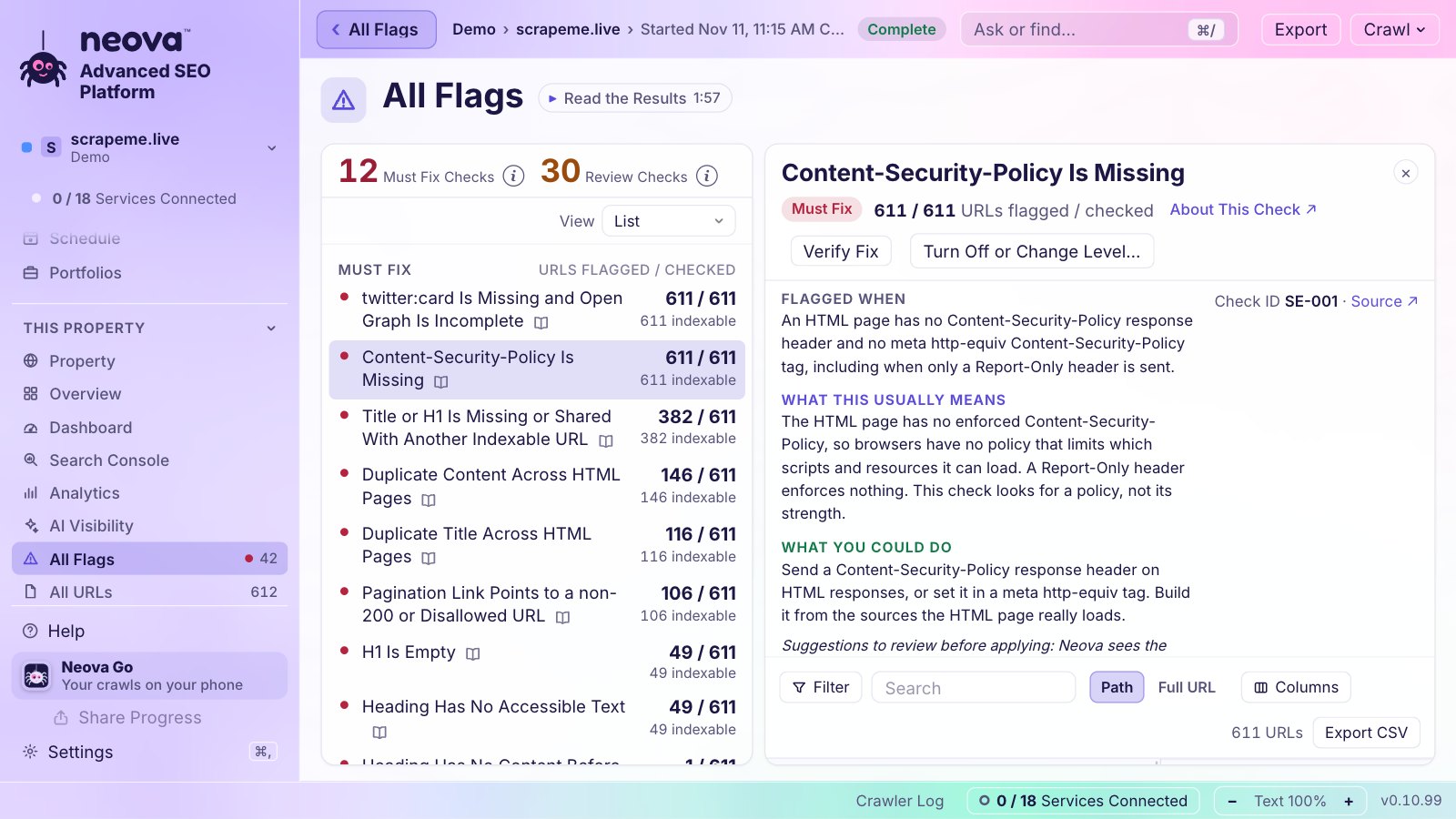
- H1 Is Missing and H1 Is Empty
- H1 Over 70 Characters or 10 Words and H1 Under 3 Words
- Duplicate H1 Across HTML Pages and Duplicate H2 Text Within or Across HTML Pages
- First of Several H1s Is Not the Main Title
- H1 Appears Only in Rendered HTML and H1 Is Changed by JavaScript
- Title or H1 Is Missing or Shared With Another Indexable URL
- Heading Level Skips One or More Levels and Heading Has No Accessible Text
- Paragraph Is Styled as a Heading and H1 Includes an Image With Alt Text
- Meta Description Repeats the H1 and Title or H1 Names a Past Year
Verify Fix re-fetches only the flagged pages and says how many are fixed. The Free plan runs all 694 checks on up to 1,000 URLs a crawl, on Mac, Windows and Linux. See Features or download Neova.
Questions
Is it bad to have more than one H1?
Not for Google, which sets no ideal number of headings. It matters when an extra H1, such as a logo, comes before the real headline and makes the main title unclear. One H1 that names the topic is the safe default.
Should the H1 match the title tag?
They should describe the same topic. The title can be shorter and carry the site name; the H1 is written for the reader already on the page.
Does a missing H1 hurt rankings?
There is no penalty for it, but the H1 is one of the places Google looks when it writes a title link, and a missing heading makes the page harder to scan and to navigate with a screen reader. It is a cheap fix worth making.
How long should an H1 be?
Long enough to name the page. Neova flags H1s over 70 characters or 10 words and under 3 words for review; neither is a Google rule.
Why does my H1 checker say the H1 is missing when I can see it?
Usually because JavaScript writes the heading and the checker read the raw HTML, or because the headline is a styled paragraph or an image rather than an h1 element. Render the page and look at the source to tell which.