Your First Crawl
Neova crawls a site the way a search engine does, then runs up to 694 checks on its pages. Each flag says why it matters, how to fix it, and its source.
Watch: Your First Crawl 1:58 · Read the Results 1:57
Start
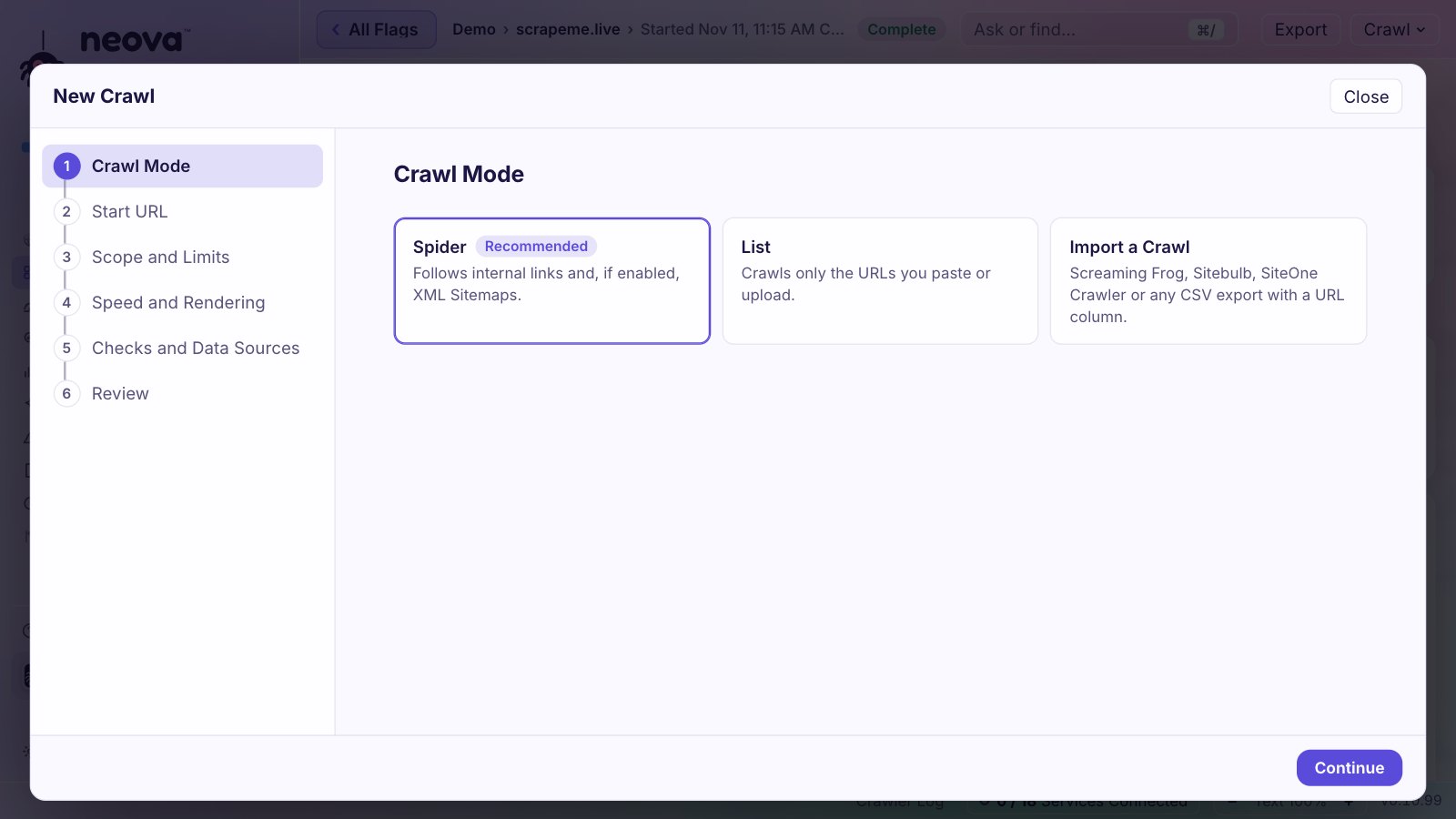
- Open Neova, choose Crawl, then New Crawl…, type the site's address, and click Start Crawl.
- Start with a site you know, ideally your own, of a few thousand pages at most. Neova crawls politely: it follows robots.txt and paces its requests, so a large site takes a while.
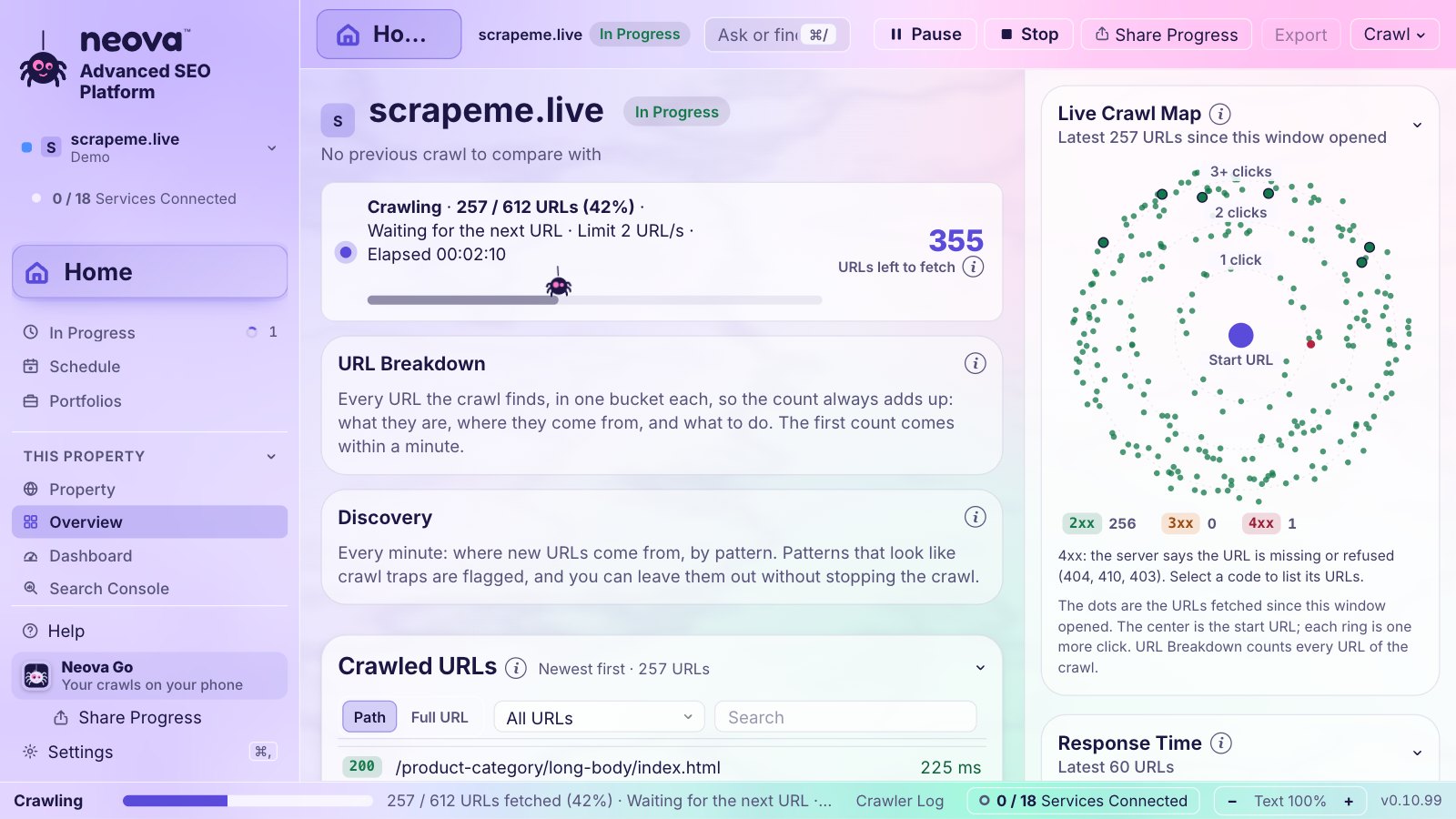
- Watch every step live, and pause or stop. When you stop, Neova offers to run the checks on what it has crawled so far.
- When the crawl ends, the checks run and the results open: the Overview, or Compare Crawls if you crawled the site before.
Crawl Several Sites at Once
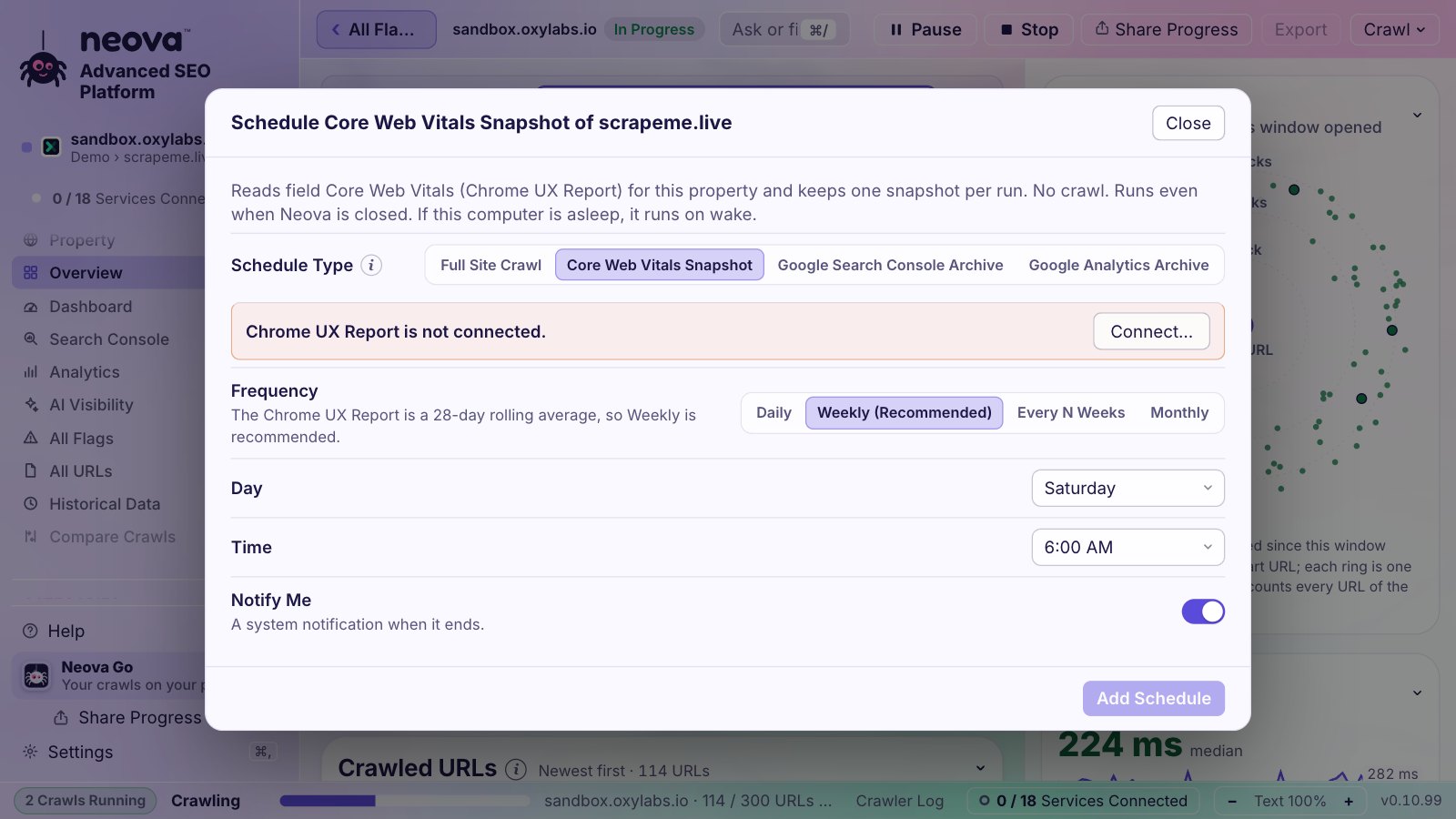
Start one crawl, then another: up to 4 sites crawl at the same time, each at its own pace and URL limit. The top of the live screen switches between them, and In Progress shows them all, with the free memory and the crawl slots in use. Set how many in Settings, Crawl, Crawls at Once (2 by default). When the computer runs low on memory, the next crawl waits and says why.
Crawl a Staging Site
- Its pages link to the live site (www.example.com in every link): in New Crawl, URL Rewriting, add one rule,
^https://www\.example\.com/ => https://staging.example.com/. Neova then follows those links on the staging site. In the desktop app from 0.10.40, and in Neova Online now. - It asks for a login: New Crawl, Authentication and Headers: a username and password, cookies, or a custom header. They go to that site only.
- It opens only on your company's network: crawl it with the desktop app on that network. Neova Online crawls from our server, which your network does not let in.
- Its robots.txt says Disallow: /, as staging sites often do: New Crawl, robots.txt, Ignore. The checks still judge the file.
Read the Results
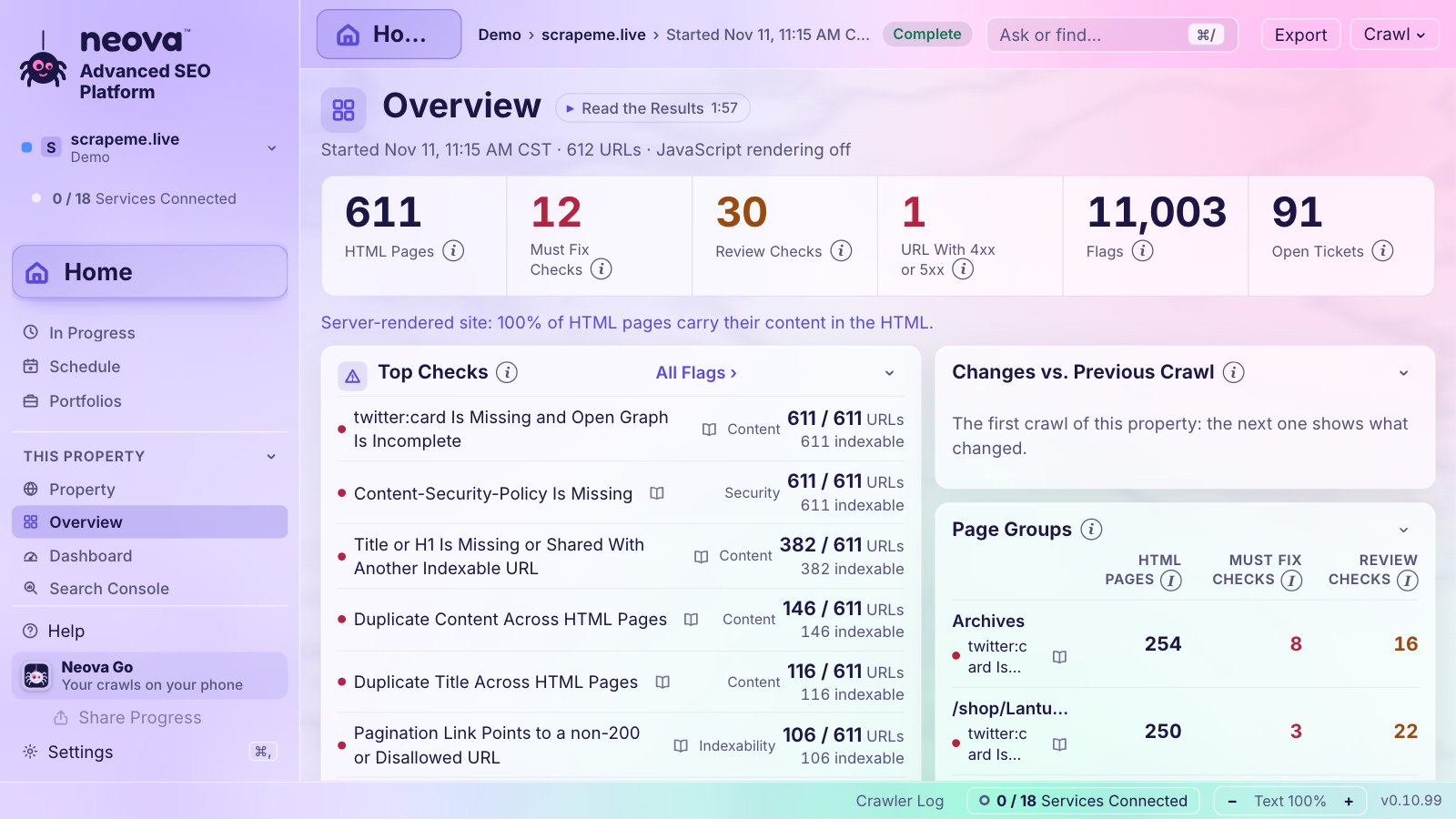
- Overview shows the state of the site at a glance.
- Dashboard puts the whole property on one screen: 13 tabs from the summary and Core Web Vitals to content, keywords, AI search, competitors and Google's updates on your clicks. Make up to 10 of your own. More about the Dashboard.
- All Flags lists every problem found, each with why it matters, how to fix it, and its source. Click a number to see the pages behind it.
- The topics in the sidebar (Indexability, Redirects, Sitemaps, Links, Images, Performance, Security, Structured Data and more) each list their own pages.
- Every table exports to CSV or Excel.
- Compare Crawls shows what changed when you crawl the same site again later.
Nothing to Crawl Yet?
Every Neova Online account starts with a Demo portfolio: a test shop and three competitors, already crawled, with their settings filled in. Open it to see every screen with real data, and remove it in one step when you are done.