Go Further
Past the first crawl: a Dashboard for every property, your competitors side by side, a Full Audit in one run, an Action Plan in order, and reports for your clients.
Watch: Fix It or Hand It Off 1:18 · Share It With a Client 1:23 · Go Further 2:01
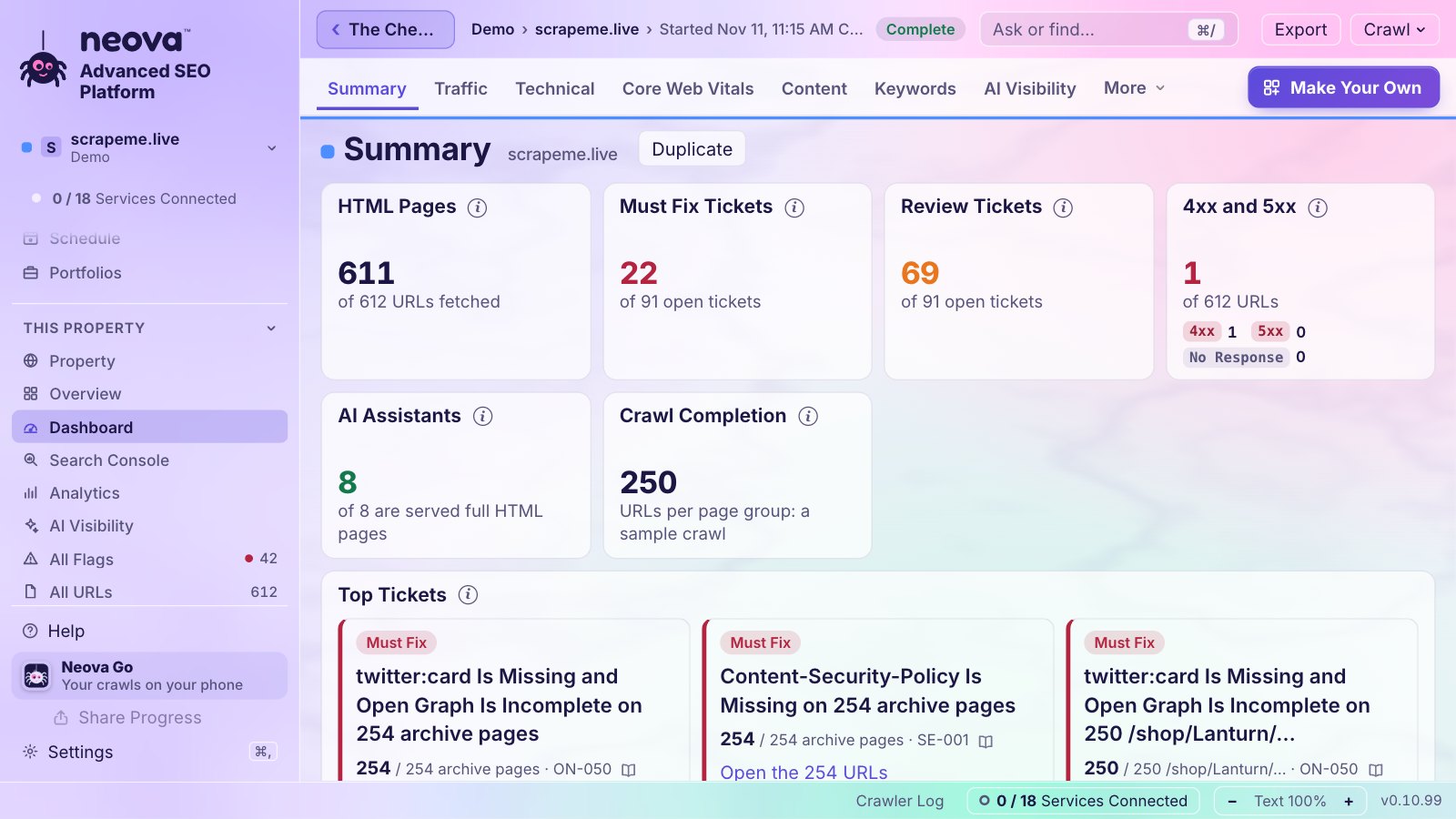
The Dashboard
Open a property, then Dashboard: eight groups and 13 tabs built from 39 blocks. Every number carries its change since the previous crawl.
- Overview: the summary, and your clicks and impressions per day against the 28 days before.
- Technical SEO: Core Web Vitals of real Chrome users, about 40 weeks back from the first day, with Google's good and poor lines, and per page group.
- Content SEO: title, description and H1 lengths, page groups, the most linked pages, and up to 25 tracked searches with their position over 7 and 90 days.
- AI Search: which AI assistants come, what each one is served, AI Overviews, and requests by verified bots.
- Competitive and Landscape: your competitors side by side, and two years of Google's ranking updates drawn on your clicks, with before and after.
- Social, Workflow and Program: how your pages look when shared, tickets, and the Action Plan by status and owner (an item marked Done that is still flagged turns red).
Make up to 10 dashboards of your own: start one new or duplicate a tab, then add, move, size and remove its blocks. Blocks that need a connection say which one.
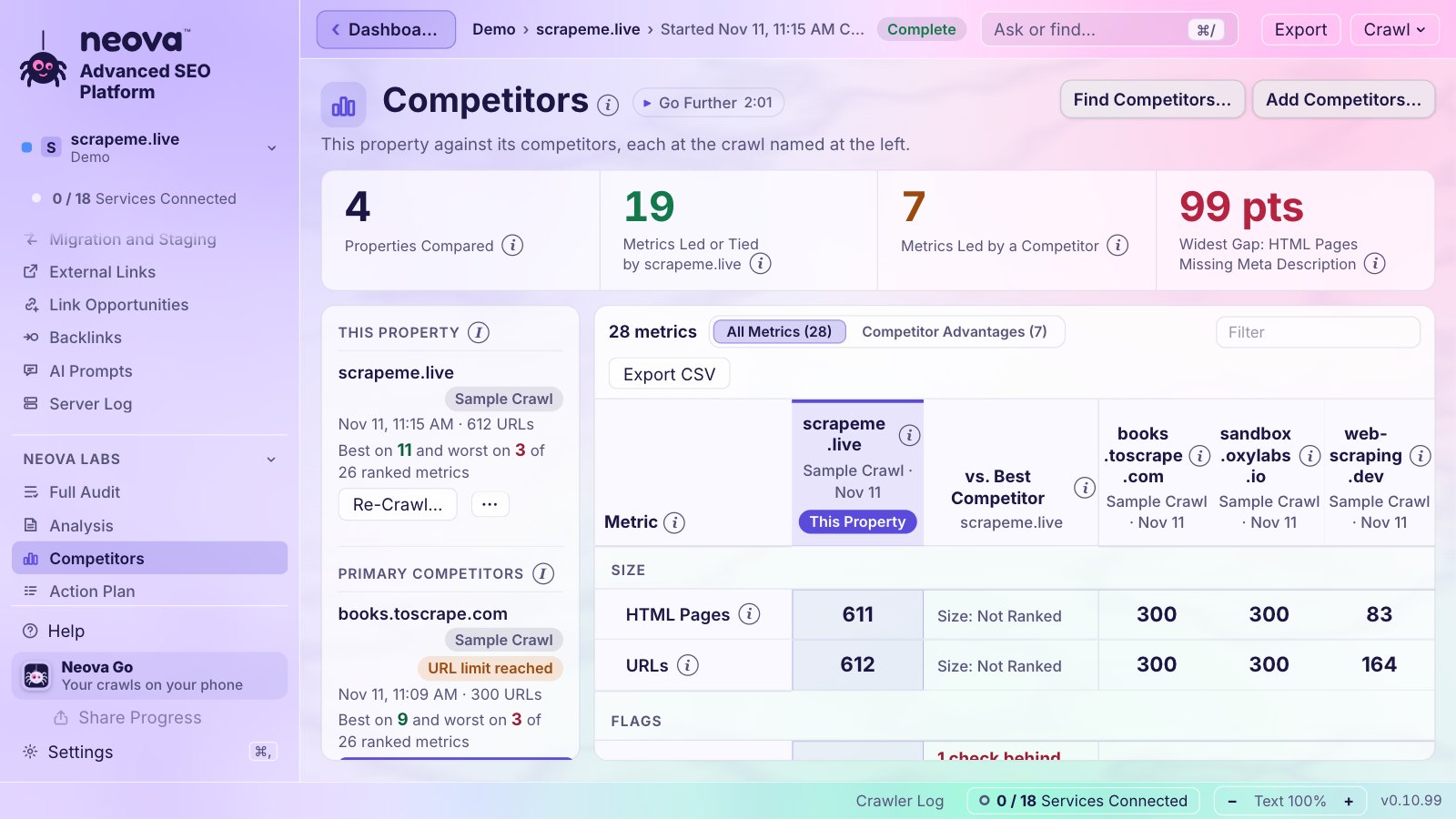
Your Competitors
- Open Competitors and click Add Competitors…. Paste a list as it is: direct competitors become primary (5 at most), the others secondary.
- Neova crawls a sample of each one, starting from their XML Sitemaps.
- The Competitors screen puts your site beside them, every metric colored by who leads and who trails. Competitor Advantages lists what each one does better, the widest gap first, with the checks behind each number.
With your DataForSEO key, the Full Audit can also find your competitors for you: the sites that rank for the same searches, never stores or marketplaces.
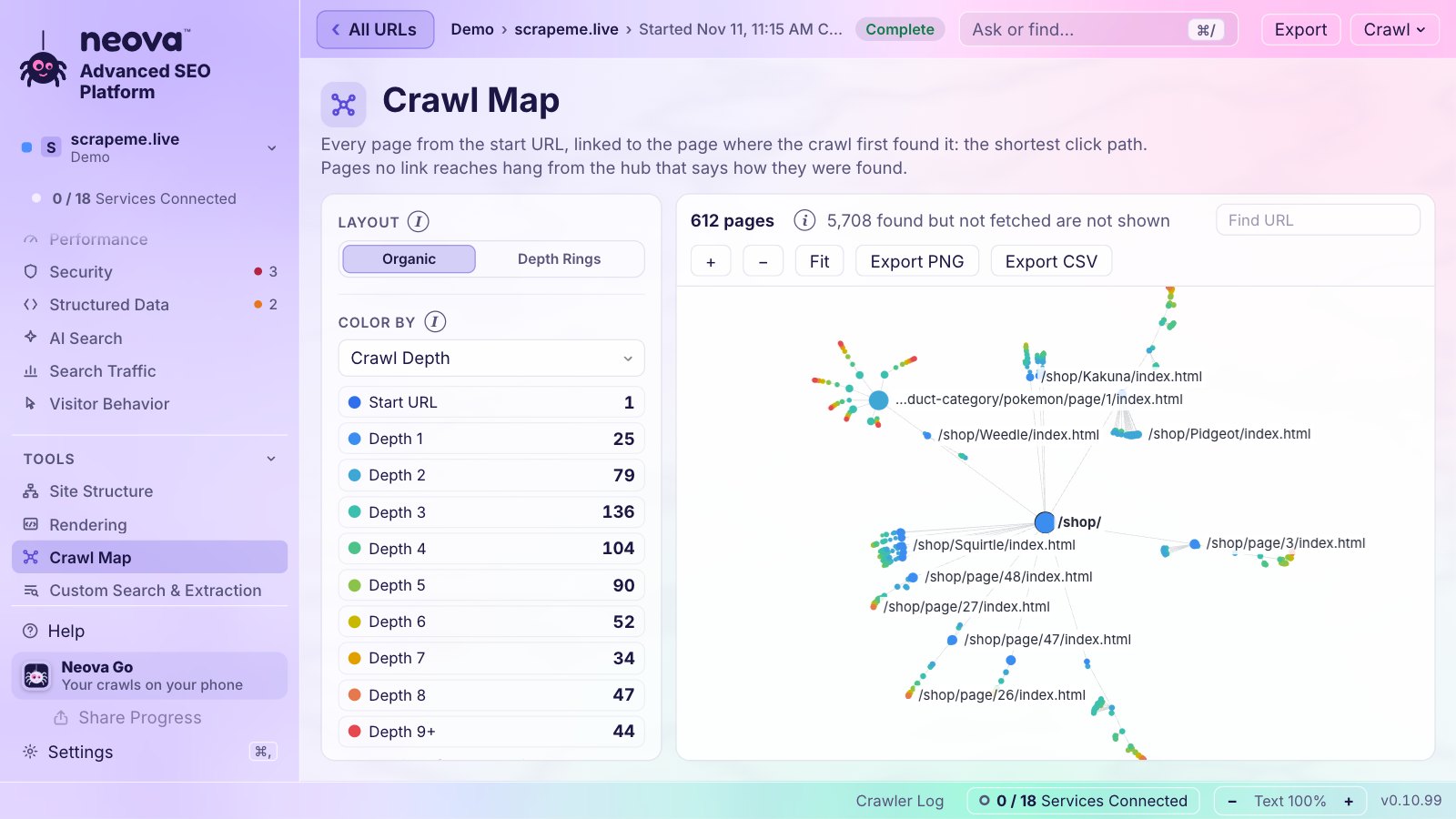
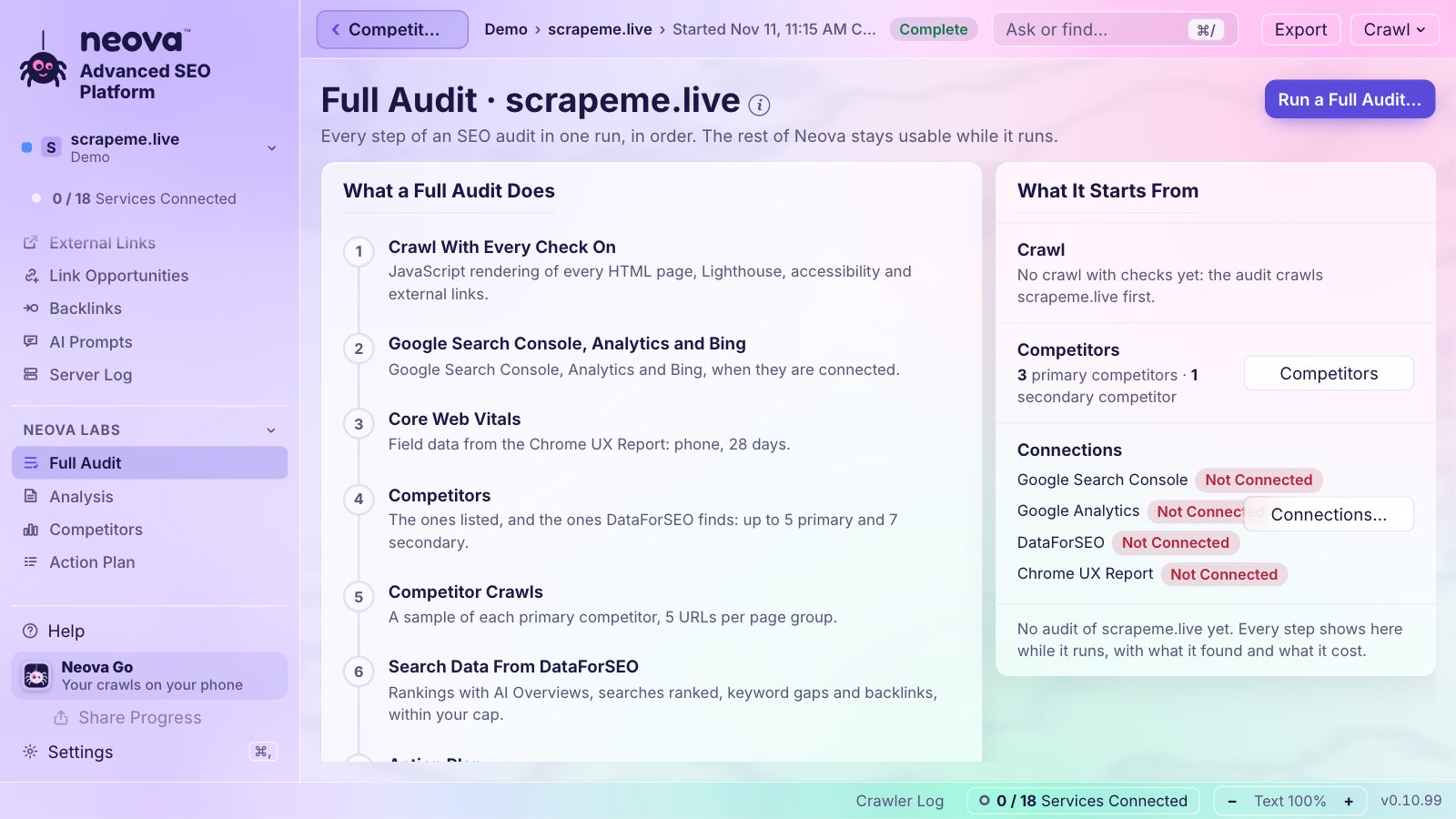
The Full Audit
Full Audit runs every step at once: the crawl with every check on, Google, Bing and Analytics, Core Web Vitals, your competitors and their crawls, search data through DataForSEO, the Action Plan, the analysis and the branded PDF. Neova shows the DataForSEO cost before it spends anything and stops at your cap. You can repeat it every month from a schedule.
The Action Plan
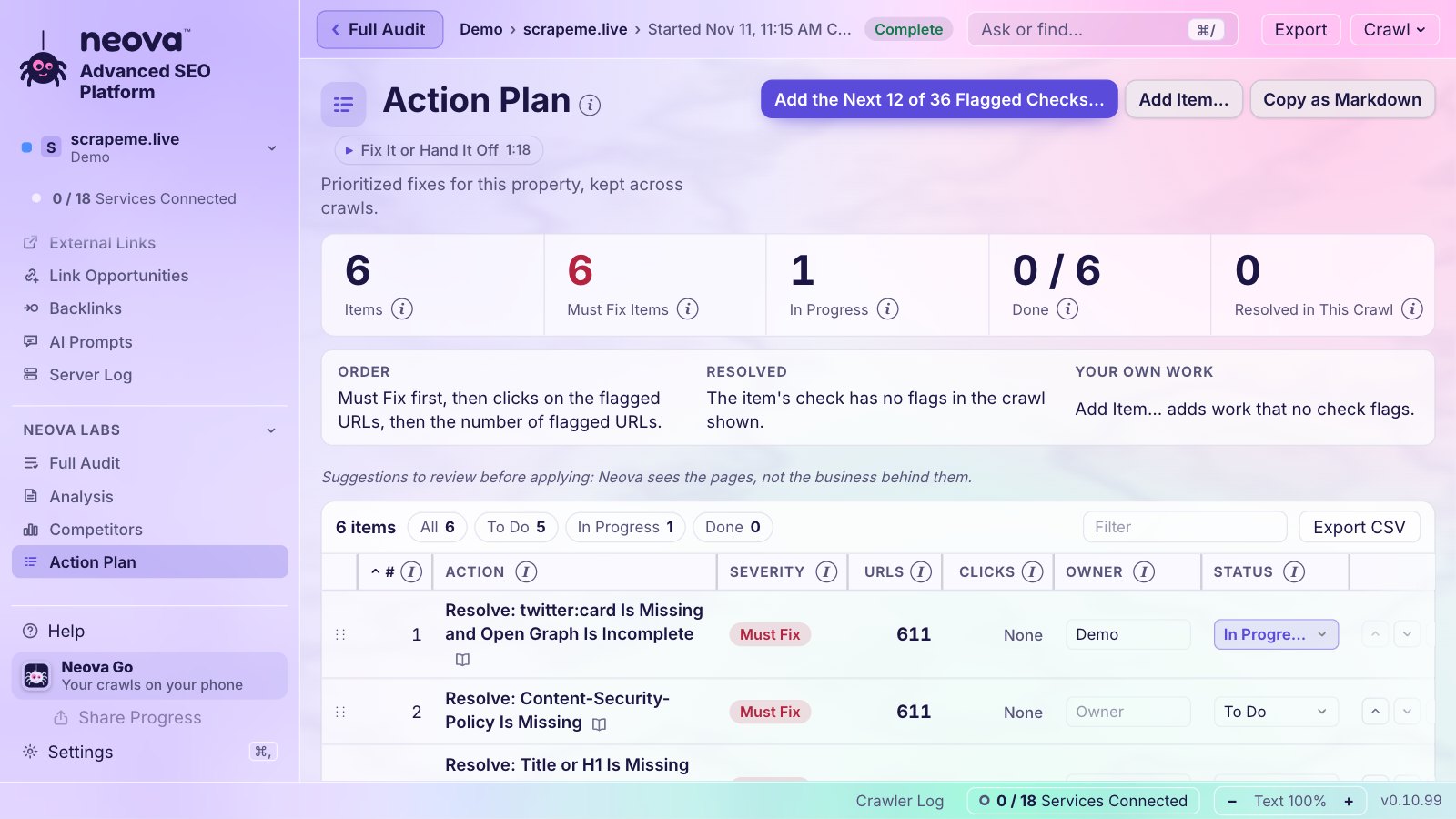
Open Action Plan and click Draft From This Crawl…: what to do, in order, must-fix first, then by clicks, then by reach. Reorder it, reword it, add your own items, and give each one a status, an owner and a note. It is kept across crawls, and copies as Markdown or exports as CSV.
For Your Clients
- Branded Report (PDF): your name, logo and color, the crawl in numbers, the flags by category, what to fix first with example URLs, and what changed since the crawl before. Letter or A4.
- All Flags Workbook (Excel) and the tickets, one button each, from the property's For the Client.
- Client Pack (ZIP): the PDF, the workbook, the tickets with their URL lists, the Jira and Linear files, and every flagged URL as one CSV per check, with a README.
- Analysis: writes the audit on your computer, with the sections only a person can write marked To Write.