Neova Online and the Desktop App
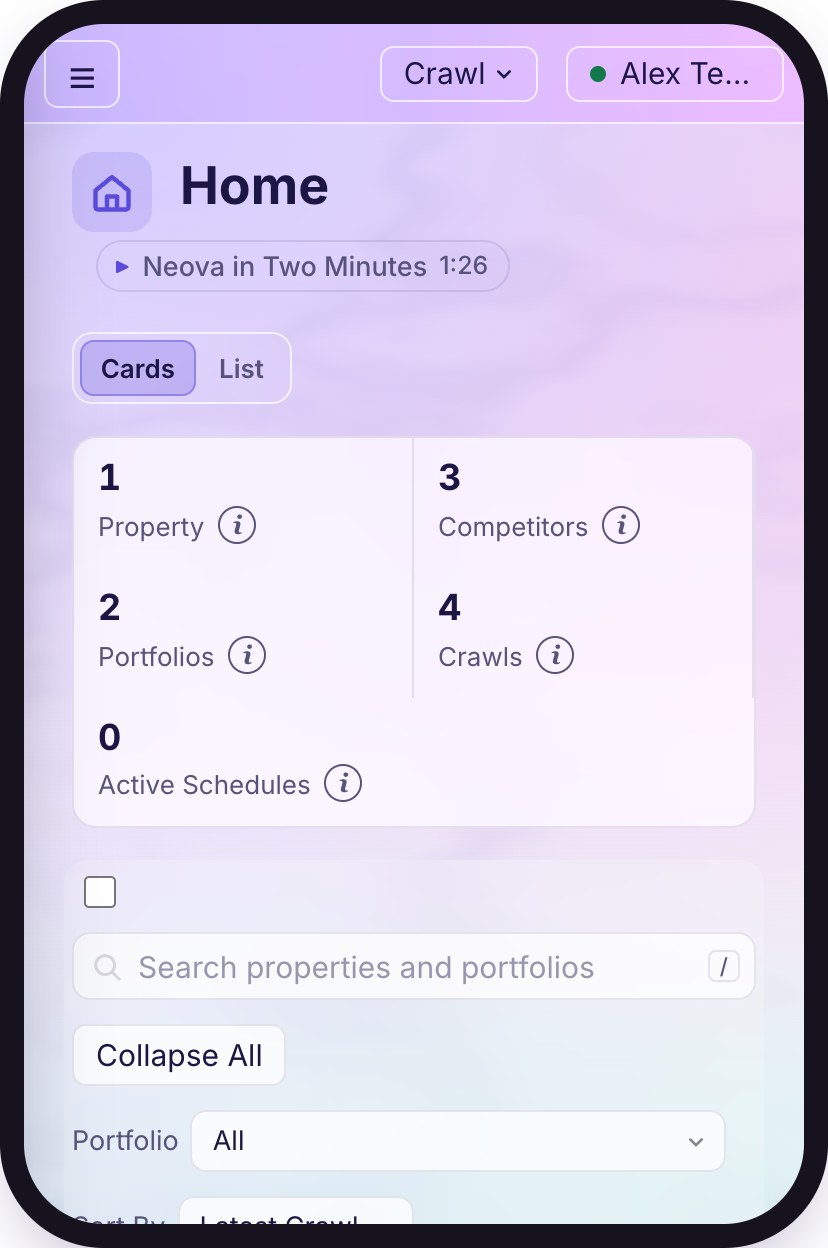
Neova Online is the same Neova in your browser, at app.neova.app, on any computer or your phone. Sign the desktop app in once and both stay in step.
Watch: Go Further 2:01
Your Invitation
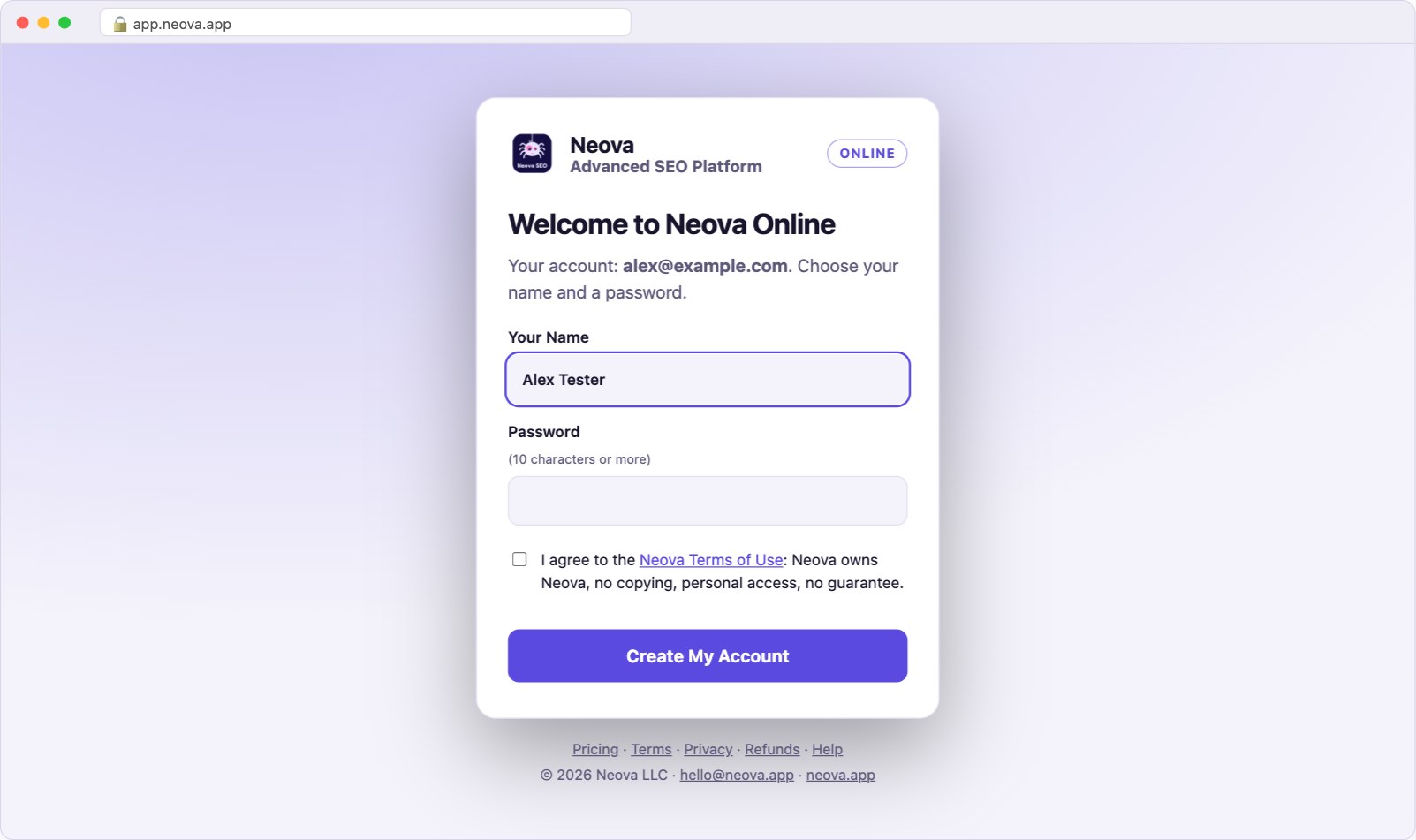
A plan with Neova Online (Desktop + Online or Agency) comes with an invitation, by email and on the page you see after paying. Open your invitation link and choose your name and a password, then use that email and password to sign in.
A sign-in lasts 30 days from your last visit. On a phone, open app.neova.app in Safari or Chrome, not inside Slack or your email app: their built-in browsers may not keep you signed in.
Connect the Desktop App
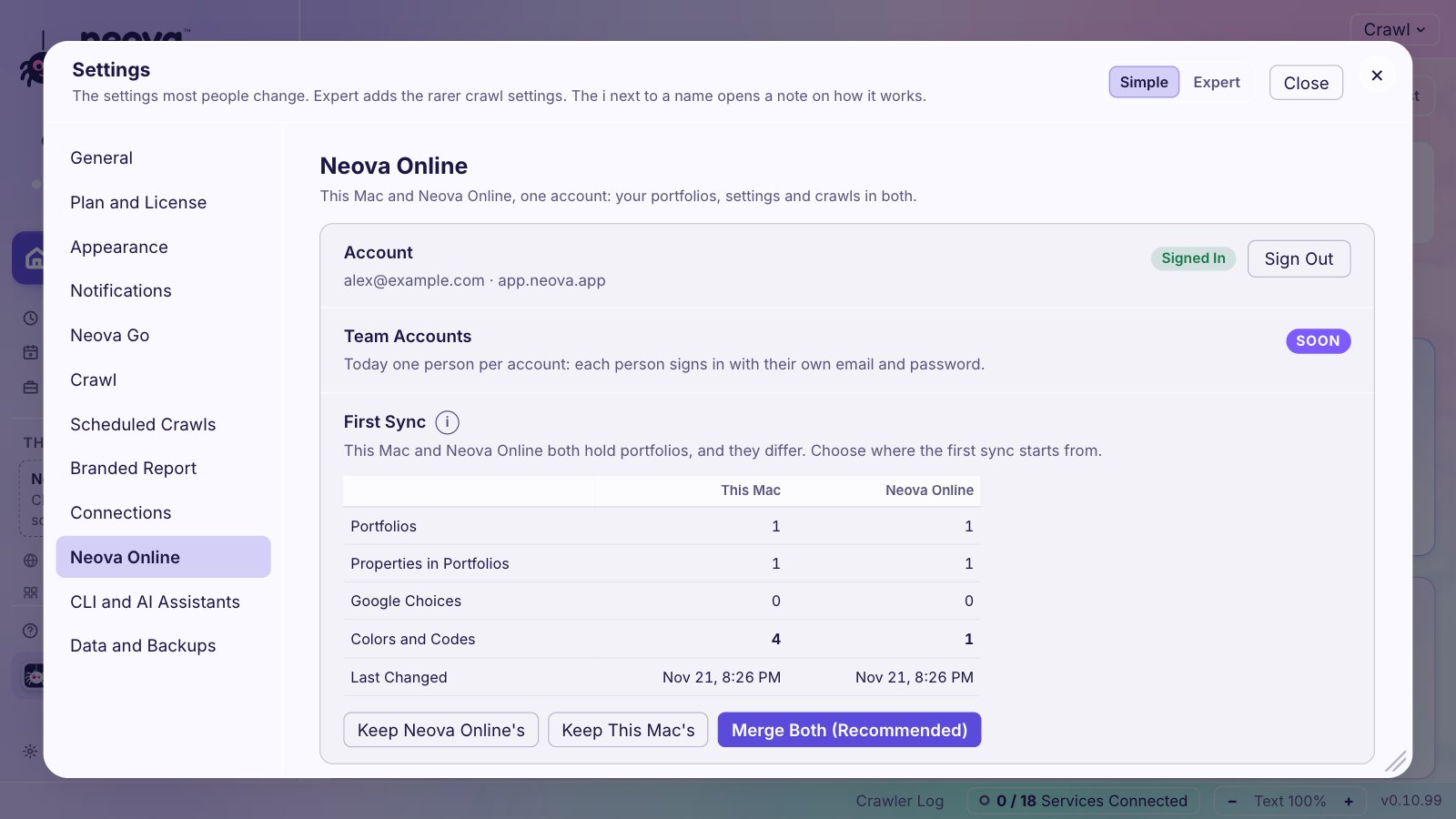
- In the app, open Settings, then Neova Online, and sign in with the same email and password.
- If both sides already hold different portfolios, Neova asks where to start from: keep Neova Online's, keep this computer's, or merge both. It recommends the side you changed last, and saves a copy of the other first.
- From then on, portfolios, competitors, your order, your Google property choices, colors and codes sync by themselves: after each change and every few minutes.
Crawls
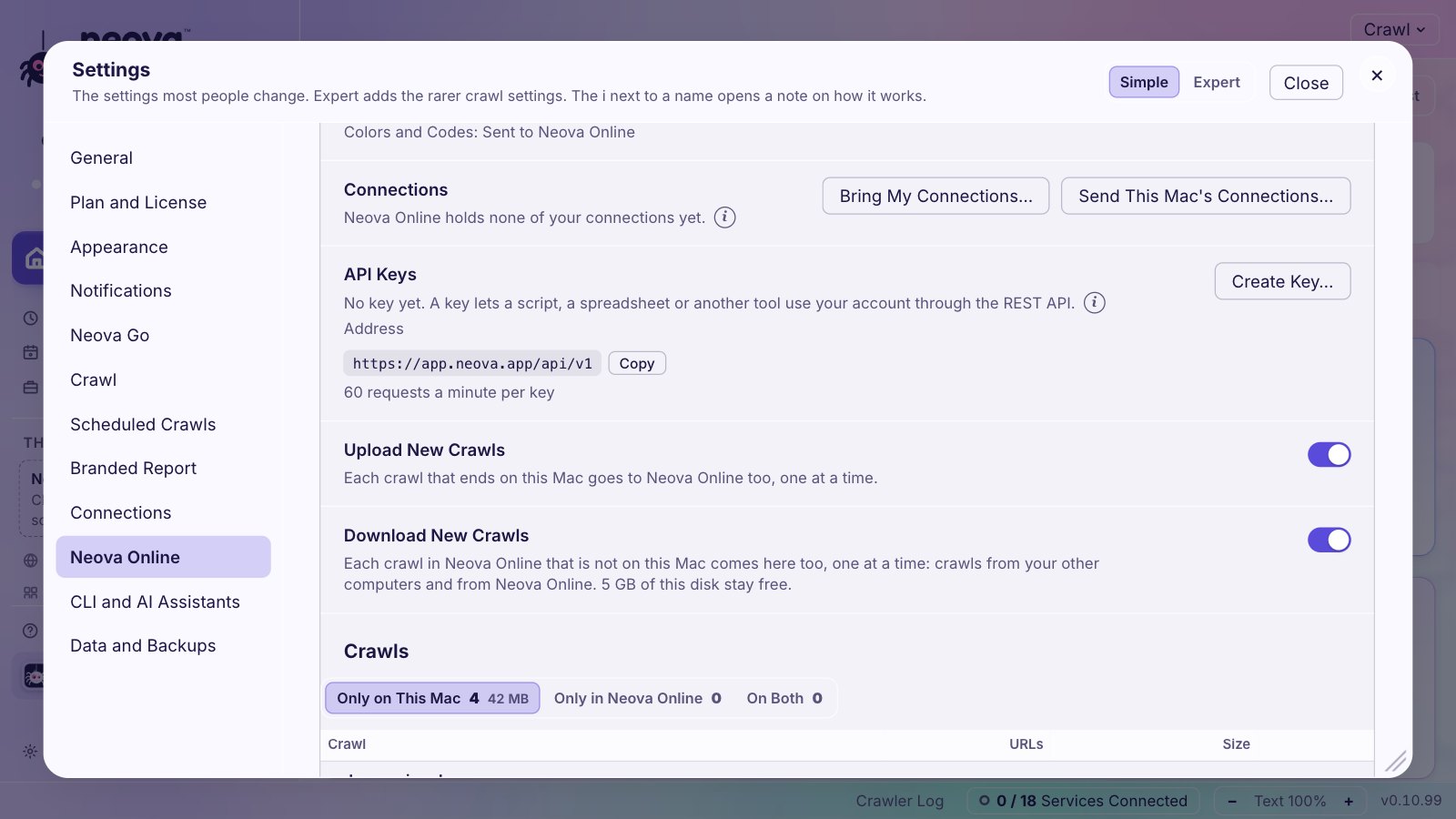
Crawls are larger, so you choose. In the same screen, three lists show what is only on this computer, only in Neova Online, and on both. Upload or download any crawl, or turn on Upload New Crawls and every finished crawl goes up on its own. A crawl you uploaded opens in the browser, and on your phone.
REST API
Scripts, spreadsheets and other tools can read your Neova Online account and act on it: start a crawl, read its flags and URLs, open and close tickets. Make a key in Settings, then Neova Online, then API Keys. Every endpoint, with examples.
Not Synced Yet
- Google sign-ins and API keys: connect them on each side.
- Schedules, and deleting a crawl or a portfolio.