Thin Content: What It Is, How to Find Thin Pages and What to Do With Them
Thin content is a page that gives a visitor little or nothing they could not get elsewhere, or nothing at all. It is not the same as a short page: a store's opening hours can be complete in forty words, while a two thousand word article stitched from other sites can be thin. Finding thin content on a large site means combining numbers a crawler can count with a judgment about value, then deciding page by page, or template by template, what to keep.
What Thin Content Means
Google's manual action for it is named Thin content with little or no added value. The examples it lists are thin affiliate pages, content copied from other sources such as scraped pages or low quality guest posts, and doorway pages. Its spam policies describe the same patterns in more detail, along with scaled content abuse: many pages made mainly to rank rather than to help.
On most sites, thin content is not spam. It is the side effect of templates and time:
- Tag and category pages that list one or two posts.
- Product pages that carry only the manufacturer's description.
- Location pages that differ by the city name.
- Old news, expired offers and events that already happened.
- Media attachment pages a CMS creates for every upload.
- Search result and filter pages left open to crawling.
SEO ProCheck's thin content glossary entry gives a short definition with more examples.
Why Word Count Is Not the Test
Google's SEO starter guide says it directly: the length of the content alone does not matter for ranking. A word count is still a useful filter, because very short pages are where thin content collects, but it is a way to build a review list, not a verdict.
| Signal | What it catches | False alarms |
|---|---|---|
| Main text under 200 words | Stubs, empty templates | Contact, cart, login pages |
| Low text-to-HTML ratio | Code heavy, text light | Rich apps, tools |
| Near-duplicate text | City and variant pages | Legal boilerplate |
| No clicks in 12 months | Pages nobody finds | New pages |
| Soft 404 wording | Empty results pages | Pages about errors |
| Outdated dates | Expired offers, events | History, archives |
Use two or three signals together. A page under 200 words, with near-duplicate text and no clicks in a year, is thin. A page under 200 words that answers one question well and gets clicks is fine.
Thin Content and Google's Systems
There are two separate ways thin content can cost you:
| Route | Trigger | Scope | How you find out |
|---|---|---|---|
| Manual action | Reviewer finds little added value | Pages or whole site | Search Console message |
| Ranking systems | Content judged unhelpful | Pages or sections | Traffic drops, no message |
| Spam policies | Scaled, scraped or doorway pages | Pages or whole site | Either of the above |
Google's guidance on creating helpful, reliable, people-first content lists the questions to ask of each page: does it provide original information, does it add substantial value compared with other pages in search results, would a reader leave feeling they learned enough. A manual action asks you to fix the pages and send a reconsideration request with examples of what you removed and added. A ranking drop has no request to send; improving the site is the only way back. SEO ProCheck's thin content penalty resolution guide walks through that process.
How to Find Thin Content
- Crawl the whole site with JavaScript rendering if the main text is built by scripts; otherwise the crawler counts an empty shell.
- Count the main text, not the whole page. Navigation, footer and sidebars repeat on every page and hide how little is unique.
- Find exact and near-duplicate main text. Location and variant pages that share 90% of their wording are thin together.
- Join search data. Clicks and impressions from Search Console separate quiet but useful pages from pages nobody needs.
- Group by template. Thin content almost always comes in groups: all tag pages, all attachment pages, all city pages.
- Read a sample of each group. The numbers build the list; a person, or a model told what to look for, decides.
Duplicate text is covered in depth in the duplicate content checker guide, and pages that are not meant to be indexed at all in the indexability checker guide.
Improve, Merge, Noindex or Remove
Every thin page gets one of five decisions. The choice depends on whether the page has a purpose, whether people find it, and whether another page already does its job.
| The page | Clicks or links | Decision | How |
|---|---|---|---|
| Has a purpose, weak text | ✓ | Improve | Add original detail |
| Overlaps a stronger page | ✓ | Merge | 301 to the stronger page |
| Overlaps a stronger page | – | Merge | 301 or 410 |
| Needed by visitors, not search | Any | Noindex | Keep, noindex |
| Out of date, no purpose | – | Remove | 404 or 410 |
Then fix the cause: stop the CMS creating attachment pages, set a minimum number of posts before a tag page is indexable, give location pages real local detail or fold them into one page. SEO ProCheck's thin content study, how much content is enough looks at the length question with data. Before you delete anything, check backlinks, and redirect the pages that have them.
Thin Content on Large Sites
On a shop or a publisher with tens of thousands of URLs, thin pages also waste crawling: every filter combination or empty tag page Google fetches is one it did not spend on a product or an article. The crawl budget guide covers when that matters. Two habits help:
- Audit by page group, not by page. Five templates explain most of the flags on most sites.
- Re-crawl on a schedule and compare. Thin pages come back with every new tag, location or import, and a list that only grows is the sign of a cause left unfixed.
Pages that no link reaches are often thin too; the orphan pages guide shows how to find them.
Find Thin Content With Neova
Neova counts the main text of every HTML page, after JavaScript rendering when the crawl rendered it, and groups pages by template from their HTML, so a thin template shows as one group. Its Thin and Heavy Pages checks flag a low text-to-HTML ratio, main text under 200 words and over 5,000 words. The AI Review of Content, a model on your computer, reads pages for the checks that need judgment, and its flags stay apart from Must Fix and Review. With Google Search Console connected, clicks, impressions and CTR join every URL of the crawl.
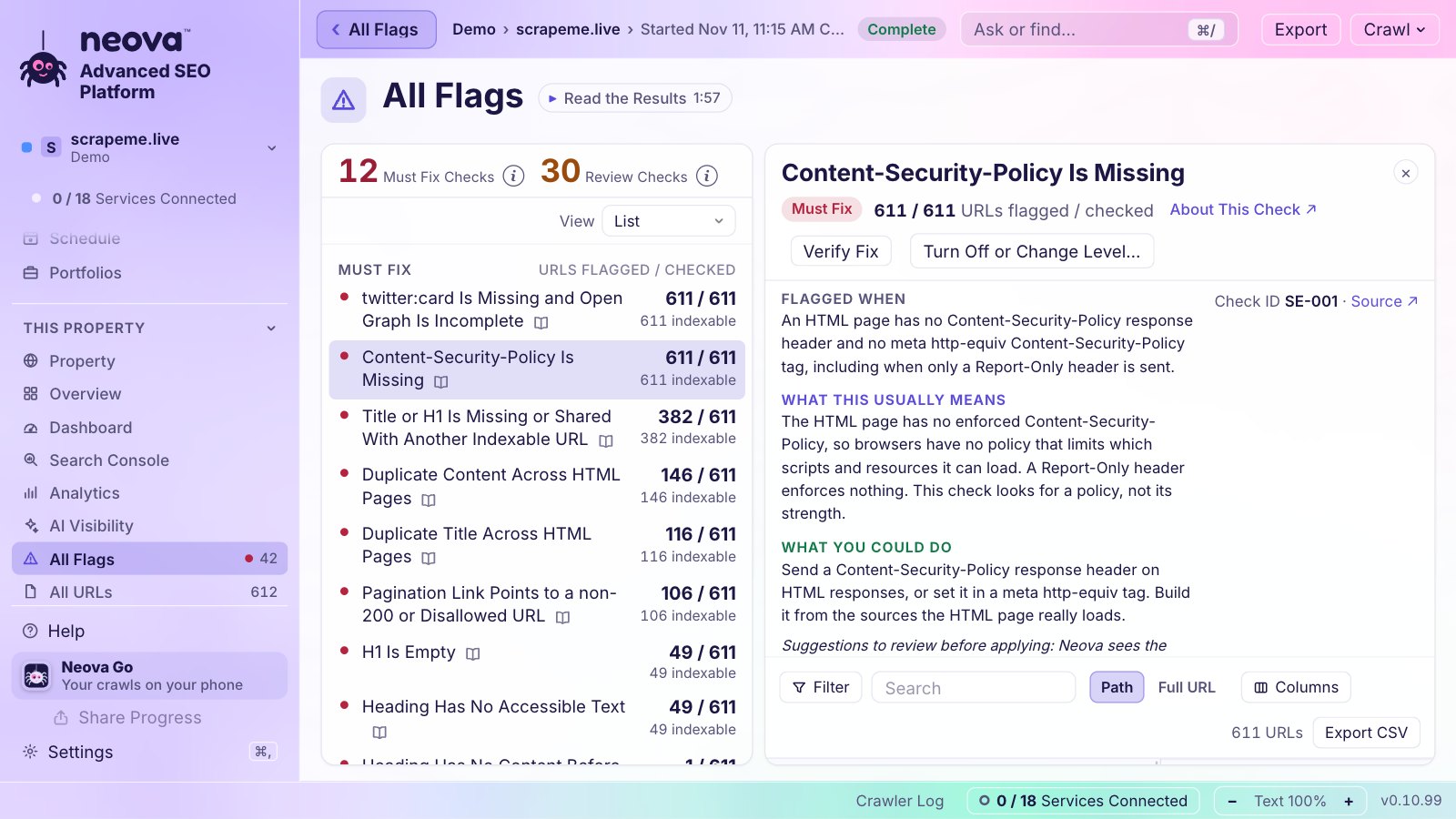
- Main Text Under 200 Words
- Low Text-to-HTML Ratio
- Low-Content HTML Page Is Outdated or Too Thin, judged by the AI reader, leaving out contact, legal, cart and login pages
- Duplicate Content Across HTML Pages and Near-Duplicate Content Across HTML Pages, at 90% of shared 5-word sequences
- Main Content Shows Low Effort, Originality, Skill or Accuracy
- Title or H1 Carries a Soft 404 Phrase
- WordPress Attachment Page Is Indexable
- Main Text Over 5,000 Words, the other end of the scale
HTML Pages as Markdown exports the main content of every page, one file each, if you want to read a group outside the app. The Free plan runs all 694 checks on up to 1,000 URLs a crawl, on Mac, Windows and Linux. See Features or download Neova.
Questions
What is thin content in SEO?
A page that adds little or no value for a visitor: a stub, a copy of another page, a doorway, a thin affiliate page or a template with almost nothing on it. Google has a manual action for it, named Thin content with little or no added value.
How many words make a page thin?
There is no number. Google says the length of the content alone does not matter for ranking. Crawlers use a line such as 200 words of main text to build a review list, and a person decides from there.
Should I delete thin content?
Only pages with no purpose, no clicks and no links. Improve pages that have a purpose, merge overlapping pages with a 301 to the stronger one, and noindex pages that visitors need but search does not.
Can thin content hurt the whole site?
A manual action can cover the whole site. Outside a manual action, Google's guidance looks at pages one by one, so the cost falls mostly on the thin pages themselves and on the crawling time spent on them.
How do I recover from a thin content manual action?
Fix or remove the pages the message describes, then select Request Review in the Manual Actions report in Search Console, with examples of the content you removed and the content you added.